Wearable GPS Tracker Battery Drain Causing Compliance and Data Loss
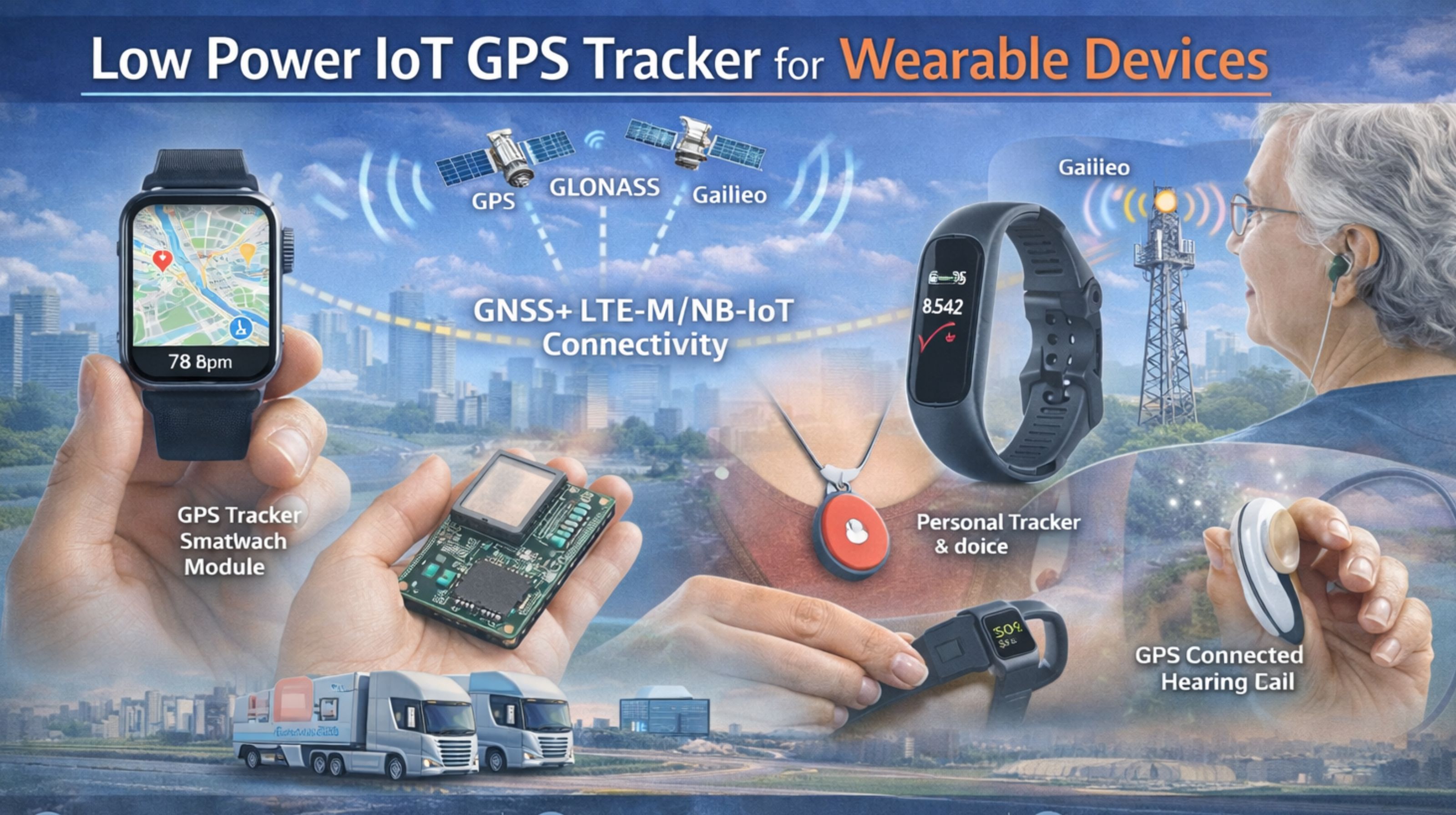
Wearable GPS Tracker Battery Drain Causing Compliance and Data Loss
When your low-power IoT GPS tracker for wearables fails to report, it's not just a dead battery—it's an audit failure and a complete loss of trust in your location data. The real failure happens when a device goes into a low-power sleep cycle and misses a critical geofence exit. Then you get no alert, just a liability gap. That's the core signal loss that breaks these tracking systems.
What Low-Power GPS Failure Means for Live Wearable Tracking
In wearable tracking, low power doesn't just mean less frequent updates; it means your system is blind during the most critical moments. We often see signal jitter in urban canyons cause a device to wake up, fail to get a GPS fix, and drain its battery searching. It dies before its next scheduled check-in. That creates a data blackout. You assume the device is tracking, but it's just offline. It's a critical misunderstanding that leads to compliance reports showing impossible stationary periods.
The Reality Under Real User Scale and Movement
At scale, with hundreds of wearables moving unpredictably, the power-saving algorithms just fail. The non-obvious detail is the network handoff cost. Every time a wearable moves between cell towers in a dense area, the modem has to re-register. That's a high-power event that can triple the expected daily drain. Under real load, devices configured for 7-day battery life die in 48 hours. It collapses your IoT asset monitoring coverage and creates massive data gaps. Those gaps render historical reports useless for any audit trail.
Wrong Assumptions and Escalating Failure Patterns
The most common mistake is assuming lower report frequency automatically means longer battery life. In reality, a poorly tuned sleep cycle can force the GPS chip to cold-start every single time. That consumes more power than if it just reported more frequently with warm starts. This wrong assumption leads teams to reconfigure devices into deeper sleep. Which then causes missed alerts for geofence breaches or SOS signals. It directly escalates a simple battery issue into a full safety and compliance incident.
Decision Boundary: Reconfigure, Redesign, or Replace
The clear choice emerges when internal tuning fails. If you can't maintain a 24-hour heartbeat and critical event alerting within your battery budget, you have to redesign the tracking profile or replace the hardware. You hit the boundary when manual reconfiguration of sleep cycles and report triggers no longer prevents daily data loss. At that point, continuing to just patch settings wastes operational resources and practically guarantees compliance failures. A robust gps controller platform should expose these power trade-offs clearly, so you can make a data-driven hardware selection.
FAQ
q How long should a wearable GPS tracker battery last?
a Realistic lifespan depends on movement profile and alert density, not just specs. If your required daily check-ins and geofence alerts drain the cell in under 72 hours, the configuration or hardware is wrong for operational use.
q Why does my tracker die faster when it's moving?
a Constant movement prevents deep sleep, triggers more frequent GPS fixes, and forces cellular re-registration between towers. This "network search tax" is the primary hidden drain that spec sheets never mention.
q Can I fix battery drain with firmware settings alone?
a You can tune report intervals and sleep modes, but there's a hard boundary. If enabling essential geofencing alerts for safety kills your battery target, the hardware itself lacks the necessary power efficiency for your use case.
q When is it time to replace wearable trackers entirely?
a Replace when you cannot achieve reliable daily tracking and critical alerting without constant battery swaps or recharges. That operational burden signals a fundamental mismatch. A gps controller system that manages diverse devices can help identify a more suitable hardware profile before you scale the problem further.


Comments
Post a Comment