how to track multiple subcontractor vehicles from one dashboard
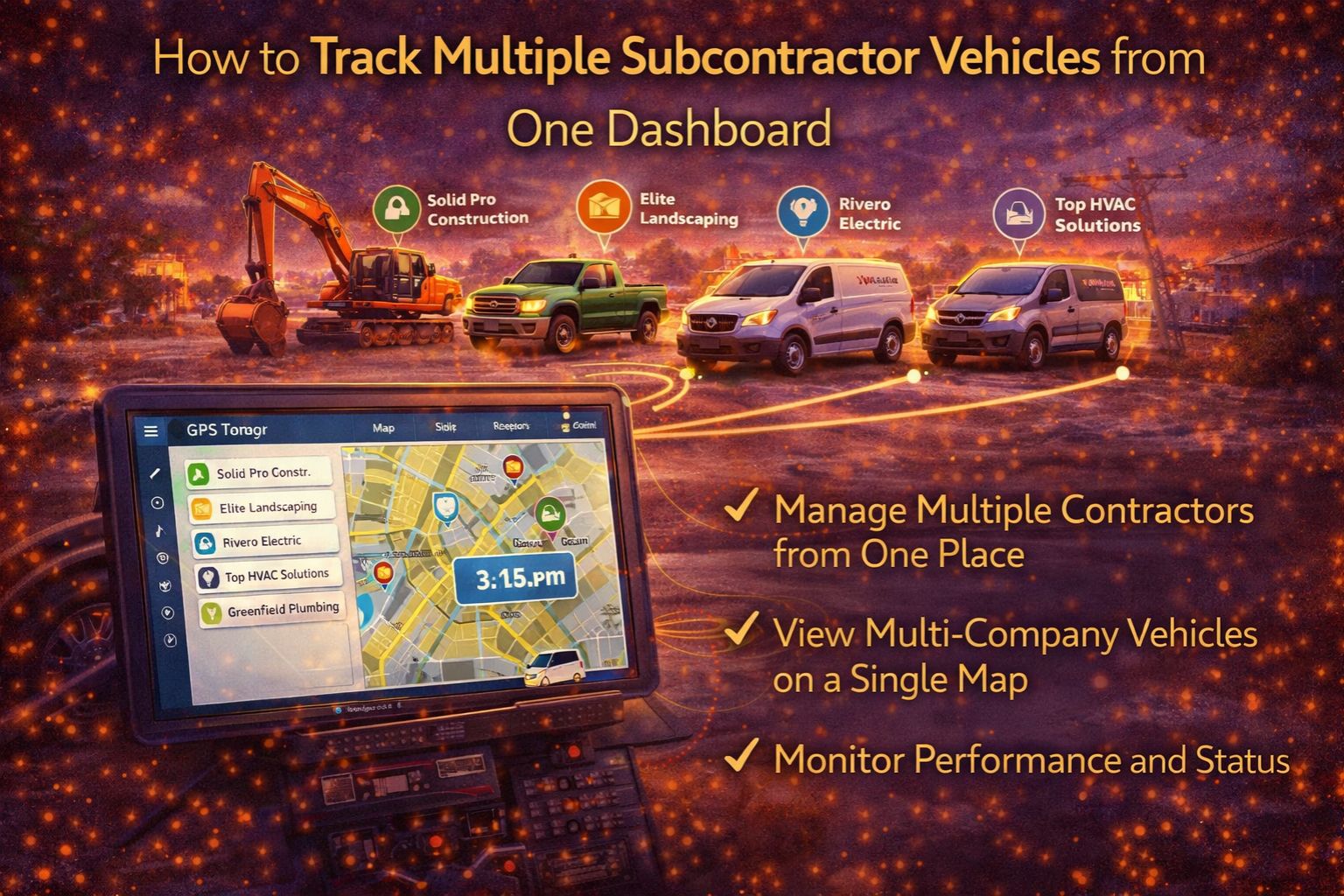
how to track multiple subcontractor vehicles from one dashboard
So you want to track multiple subcontractor vehicles from one dashboard. In practice, that means trying to pull together a bunch of different GPS data streams, telematics formats, and reporting schedules into a single view where everything is actually synced up in real-time. The real challenge isn't just seeing dots on a map—it's dealing with the fact that every subcontractor probably uses a different device, their data updates at different speeds, and their geofence rules never quite match yours. If you don't have a unified platform, you end up with this signal jitter: one guy's tracker updates every 30 seconds, another's lags by five minutes, and suddenly you've got blind spots right when you need to dispatch something.
What Unified Subcontractor Tracking Actually Means
What we're really talking about with unified tracking is a consolidated view where every vehicle shows up with the same level of detail—location, speed, ignition status, the works—no matter who owns it or what hardware it uses. To get that, you need a platform that can actually take in data through multiple channels, like pulling in API integrations from all sorts of telematics providers, and then force it all into a standard format. A classic mistake is thinking all GPS pings are created equal. In reality, a subcontractor's device might report location less often or with worse accuracy, so your dashboard could show a truck idling when it's actually just driving through a dead zone.
The Reality of Managing a Mixed Fleet Dashboard
When you're operating at scale, the dashboard has to handle live feeds from dozens of subcontractors, each with their own SLAs for data delivery. The tricky part nobody mentions is network latency. Data from a subcontractor's modem might bounce through their own server first before it ever gets to you, adding seconds of delay. That might not sound like much, but it's critical during dynamic rerouting. A 30-second lag in a vehicle's position can mean you assign a load to a truck that's already five miles past the pickup point. That one mistake then spirals into missed deadlines and messed-up hours-of-service logs.
Common Mistakes That Break Subcontractor Visibility
The most damaging assumption you can make is that just giving subcontractors a tracking app means you'll have visibility. Usually, that just leads to a fragmented mess where you're logging into ten different portals, which completely defeats the point of a single dashboard. Another big misunderstanding is believing all the data is "real-time." A lot of subcontractor agreements actually specify batch updates every 15 minutes to save on their cellular data costs. So your dashboard isn't showing live positions—it's showing historical snapshots. You only discover that gap when there's a safety issue or theft, and your geofencing alerts are too late to be any use.
Choosing Your Path to a Unified View
Your options are pretty clear: you can try to manually patch feeds together with spreadsheets and multiple logins, you can try to reconfigure your existing fleet software to accept outside data, or you can redesign your whole setup around a platform built to aggregate telematics from multiple sources. The DIY fix tends to fall apart once you need to enforce standard compliance reporting or trigger automated workflows based on what subcontractor vehicles are doing. That's when a dedicated telematics aggregation layer, like the logic in gps controller platforms, stops being a nice-to-have and becomes non-negotiable for keeping any real control.
FAQ
Question: Can I track subcontractor vehicles if they already have their own GPS?
Answer: Yes, but it requires integration. Their existing GPS has to be able to share data through an API or some kind of standardized export. If there's no formal integration, you're stuck with manual reports or limited portal access, which completely breaks any real-time dashboard you were hoping for.
Question: What's the biggest risk of not having a single dashboard?
Answer: Compliance and liability gaps. If a subcontractor's vehicle is in an incident and your system shows conflicting data because of sync delays, your audit trail is worthless. You need unified logs to prove due diligence in fleet management.
Question: How do I handle subcontractors who refuse to share GPS data?
Answer: It has to become a contractual requirement. Your service agreements need to stipulate data sharing as a condition for work. The other path is to provide them with a compliant tracker for the project, which adds cost but at least guarantees you control the data.
Answer: Whether to integrate really comes down to how critical the data is. If your operations need live visibility for safety, billing, or customer updates, then a unified platform is essential. For less urgent reporting, scheduled data pulls might work, but they introduce a lag that can throw off fleet management software decisions.


Comments
Post a Comment