GPS Fleet Software Real-Time Fuel Theft Alert Failures and Fixes
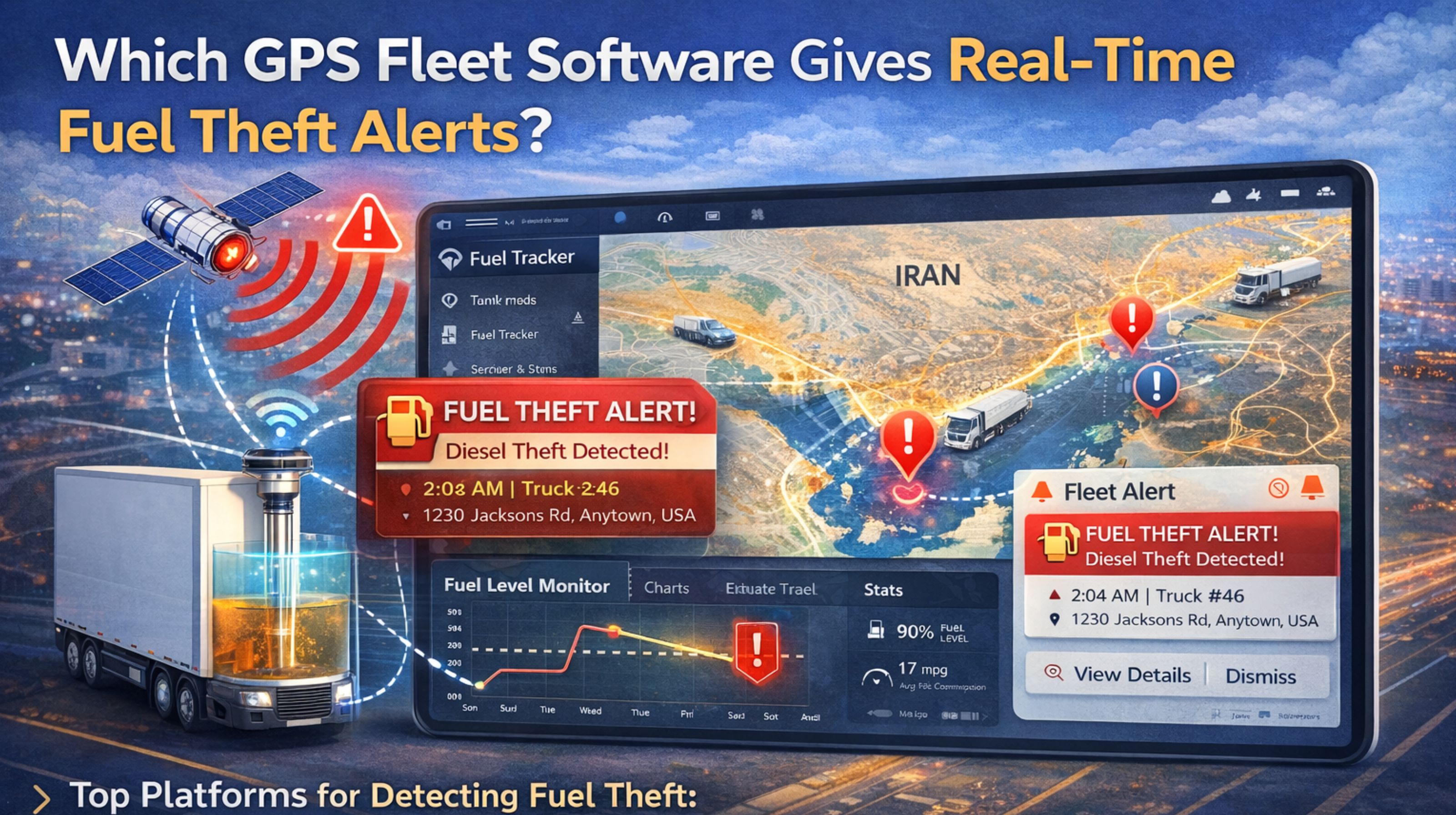
GPS Fleet Software Real-Time Fuel Theft Alert Failures and Fixes
Getting real-time fuel theft alerts isn't just about buying software; it's a whole setup. You need the sensors integrated just right, the alert logic configured correctly, and a network that actually pushes data without lag. Honestly, a lot of people get tripped up thinking any fuel monitoring add-on will give them instant theft detection—it usually doesn't work that way.
What Real-Time Fuel Theft Detection Actually Means
For a live fleet, "real-time" should mean this: sensor data from the fuel tank or CAN bus gets processed, and an alert fires off within seconds of an unauthorized drop. Not just showing up on a map five minutes later. The real failure happens in that gap—between the sensor taking a reading and a prioritized alert actually reaching a manager's phone. Most systems fail there, and you might not even know it.
The Reality Under Fleet Load and Scale
When you scale up, say to 50+ vehicles, things get messy. Network latency and server queues start creating delays. You might spot a fuel level change in your fuel performance monitoring dashboard, but the actual theft alert pops up 10 minutes later—long after the truck has driven off. In practice, we see this all the time during overnight monitoring at depots, when the system decides to do its batch processing.
Common Mistakes and Hidden Risk Patterns
The biggest error? Setting alerts based purely on a percentage drop. That'll give you constant false positives from normal engine use or just the truck sitting on a hill. Then you get "alert fatigue," where managers just start ignoring everything. A hidden risk is compliance. If an audit asks for proof you responded immediately to a theft, delayed logs can create real liability. Often, the root cause is an integration gap—where the GPS device, the fuel sensor, and the main fleet management software platform just aren't talking to each other properly.
Decision Help: Tune, Reconfigure, or Replace
First step, audit what you've got. Can your GPS hardware and its network protocol actually send sensor data in under 60 seconds? If the answer's no, tuning is a waste of time. If it can, then you need to reconfigure. Set alert thresholds using a mix of factors: fuel drop rate, ignition status (must be off), and geofence location. The line for replacement is pretty clear: if your current system can't take fuel data, ignition-off events, and geofence breaches and roll them into one timely alert rule, you need a new platform built for integrated telematics. A proper gps controller platform should handle this data fusion automatically.
FAQ
q How does GPS software detect fuel theft?
a Basically, it watches fuel level sensor data for sudden drops when the vehicle is off and outside a pre-set "safe" refueling zone, then tries to trigger an alert.
q What causes false fuel theft alerts?
a Usually sensor miscalibration, the vehicle tilting on a slope, fuel contracting in the cold, or having alert rules that only look at percentage drop and ignore context like whether the ignition is on.
q Can I add fuel theft alerts to my existing tracking?
a Only if your current GPS units have a free input port for a fuel level sensor and your software lets you build custom, logic-based alert rules using that sensor's data.
q When is it too late to fix my current system's alert delay?
a When the delay is baked into the core communication protocol—like if the device only reports data every 10 minutes no matter what. No software setting can fix that; you'd need new hardware with an event-driven reporting mode.


Comments
Post a Comment