GPS Controller with live location sharing link for customers 2026
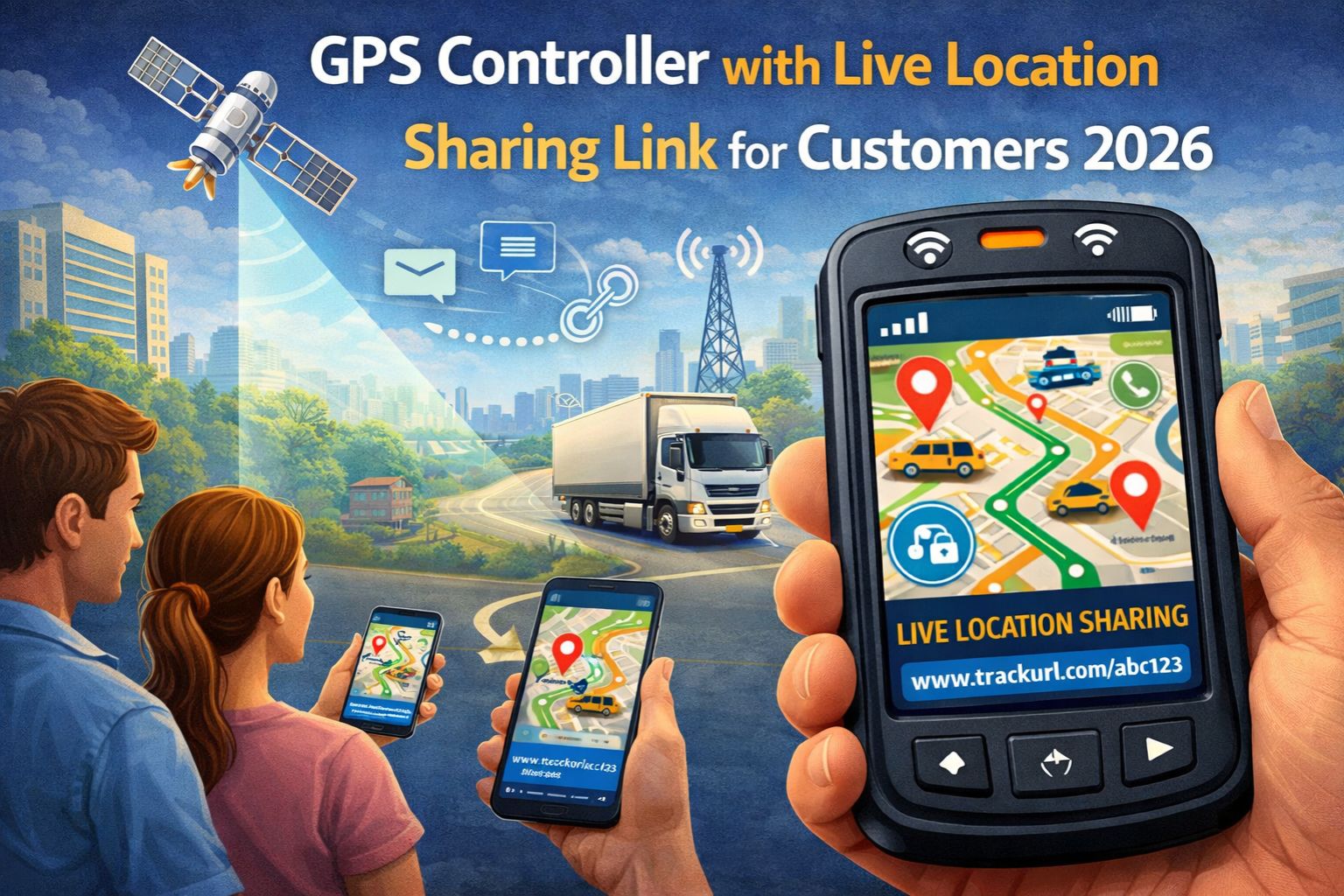
GPS Controller with live location sharing link for customers 2026
When you share a live location link from your GPS controller with a customer, you're not just sending a map pin—you're exposing your operational telemetry to a third party in real-time. And every signal jitter or data lag suddenly becomes a visible failure in their browser. This isn't a simple feature toggle; it's a direct pipeline from your vehicle's GNSS module to a customer's smartphone. Delays of even 30 seconds can trigger calls about missed ETAs, or worse, accusations of dishonesty. The primary risk isn't the sharing itself, but the loss of context—customers see a static dot without understanding the complex vehicle tracking data pipeline that feeds it.
What Live Sharing Really Means for Fleet Data Flow
Clarity here is critical. A "live link" typically pulls from the same data stream powering your internal dashboard, but often without the buffering or error correction you have on your end. In practice, we've seen geofence breach alerts fire on a manager's screen while the customer's shared link still shows the vehicle 500 meters away, stuck in a cellular dead zone. The controller isn't generating a special signal; it's creating a public window into a raw, often unfiltered, NMEA data feed. So the timestamp a customer sees might just be the last successful satellite handshake, not the current engine-off event recorded by the telematics unit. That creates a fundamental mismatch in perceived reality.
The Reality of Customer Expectations at Scale
At operational scale, sharing links for 50+ vehicles invites constant scrutiny. Customers start to treat the shared view as a contractual proof-of-service, not an approximation. One non-obvious point of failure is the link refresh rate itself—many systems default to a 60-second poll. But if the vehicle's modem is in power-saving mode, that "live" location could be minutes stale. We've documented cases where a refrigerated asset showed "on-site" for a client, while internal performance monitoring logs confirmed the unit was idling three blocks away, its cooler offline, because the location timestamp hadn't updated due to urban canyon effect.
Common Mistakes That Escalate into Service Disputes
The biggest mistake is assuming this is a set-and-forget feature. Teams often enable sharing without setting data boundaries, which leads customers to see driver breaks, unscheduled stops, or route deviations that require internal context to explain. Another critical risk is link security—a shared URL, if not tokenized and time-limited, can be forwarded, bookmarked, and accessed long after a job ends, creating a permanent data leak. The misunderstanding that causes real escalation is believing the GPS controller is sharing "verified" location. In reality, it's sharing the best available signal, which during tunnel transits or in dense urban areas, might just be a network-derived cell-tower location with a 500-meter radius of error.
When to Tune, Reconfigure, or Replace Your Sharing Setup
This is your decision boundary. Tune if delays are under 90 seconds and your customers are generally understanding; this usually involves adjusting data push intervals in your gps controller platform. Reconfigure if you're facing compliance gaps or disputes; implement layered sharing with delayed views for customers and real-time for your ops team, and enforce strict link expiration. Replace the approach entirely if your core tracking system cannot guarantee a sub-60-second, high-accuracy location lock for shared links. No amount of software patching can fix a fundamental hardware or network limitation. The internal fix becomes insufficient once customer trust is already eroded by inconsistent data.
FAQ
Question: How live is the "live location" in a customer sharing link?
Answer: It's only as live as your device's last successful data transmission. That can lag behind the true location by 30 seconds to several minutes, depending entirely on cellular coverage and satellite visibility. It's not about the web page's refresh rate.
Question: Can customers see historical route data through a live sharing link?
Answer: Typically, no—a live link is usually a view-only portal showing current or very recent position. But if the link provides a "playback" feature, it may expose trip history. That depends completely on your platform's configuration and how the privacy settings are locked down.
Question: What happens to the shared link if the GPS device loses power or signal?
Answer: The link will just display the last known location indefinitely, or maybe show an "offline" status. That static, stale dot is often misinterpreted as the vehicle being parked and stationary, rather than the system experiencing a complete data outage.
Answer: This depends entirely on your service provider's data architecture. In most modern gps controller platforms, the customer view is a filtered subset of your full telematics data, but it originates from the same source. So a major delay in one will usually appear in the other, since both are subject to the same underlying signal constraints.


Comments
Post a Comment