GPS Controller with idle time shutdown alert for construction fleet 2026
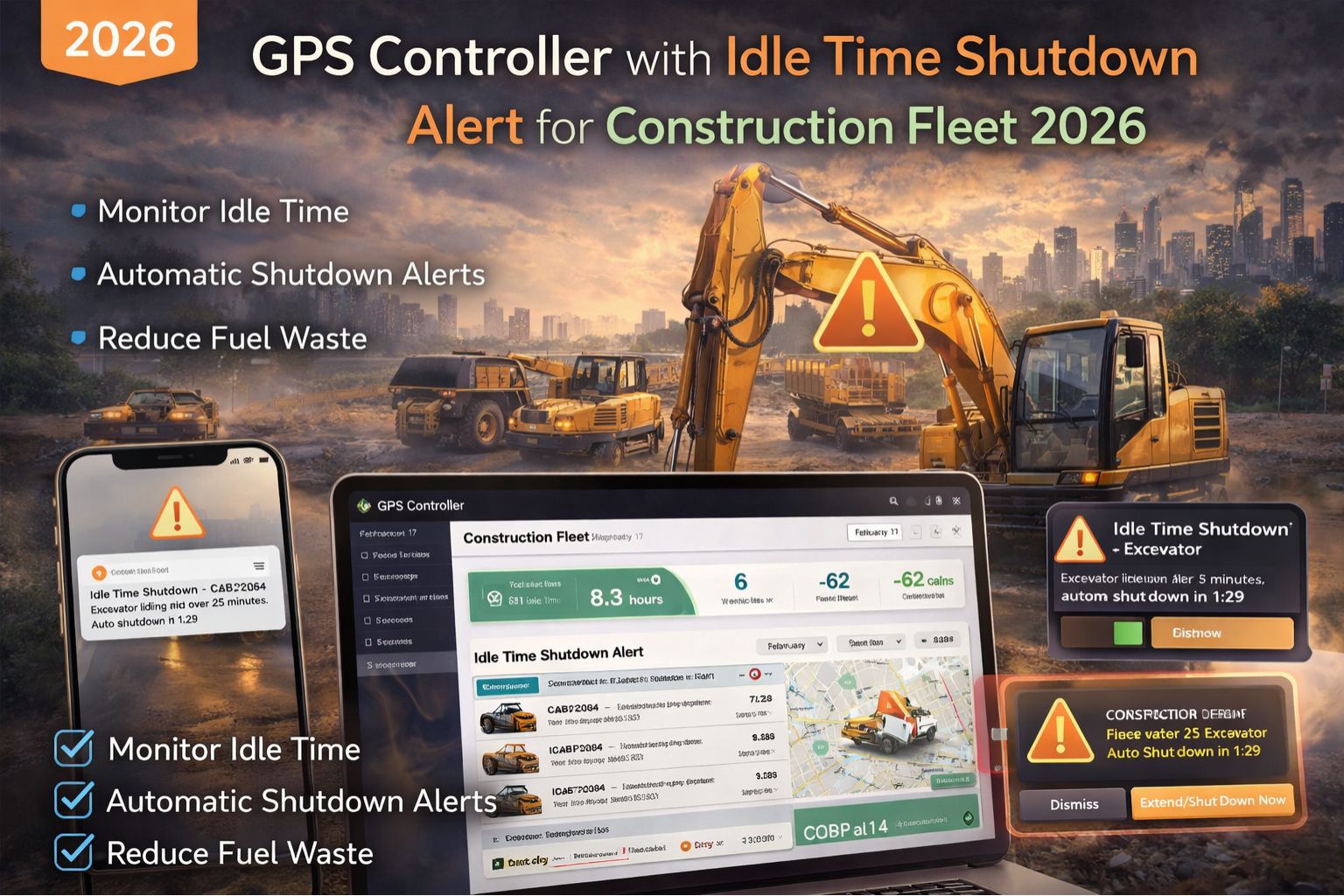
GPS Controller with idle time shutdown alert for construction fleet 2026
For a construction fleet manager, an idle time shutdown alert isn't just a notification—it's a direct intervention against fuel burning into thin air while a loader or excavator sits unattended. The 2026 iteration of this system in a GPS Controller platform tries to move beyond simple timers. It uses engine data and location context to tell the difference between necessary warm-up idling and just wasteful habit, triggering alerts that are supposed to demand immediate action.
What Idle Shutdown Really Means on a Dirt Lot
On a construction site, "idle time" isn't uniform. A cement truck's drum needs to rotate, a crane might be holding position, and a pickup could be legitimately parked with the AC on for a foreman's meeting. The 2026 alert logic has to discern this. A common failure point is systems that flag all non-movement. That leads to alert fatigue, where a superintendent starts ignoring genuine waste—like a dozer left running overnight—because yesterday's alerts were all false positives from equipment that was supposed to be on.
The Real Cost When Your Alert is Just a Log Entry
At scale, a passive alert that just logs to a report is a financial leak. If an alert doesn't actually prompt a site supervisor to walk over and shut off the key, you're literally watching money evaporate. The real signal isn't the idle event itself, but the duration and the recurrence pattern. A single backhoe idling for 90 minutes during lunch burns fuel; five skid steers doing it daily across three sites points to a cultural or procedural gap that no software can fix without human intervention.
Mistake: Assuming Alerts Drive Behavior Automatically
The critical misunderstanding is believing that configuring the alert threshold—say, 10 minutes—solves the problem. Without integrating the alert into a dispatcher's workflow or a foreman's daily checklist, it just becomes noise. The escalation happens when managers, seeing high idle reports, mandate stricter thresholds (like 5 minutes). That then punishes necessary operational idling, breeds resentment among operators, and can lead to devices being tampered with or disconnected just to avoid the "nagging."
Your Decision: Tune, Enforce, or Redesign Workflow
You face a clear boundary here. You can tune thresholds and exception zones for different vehicle classes. You can try to enforce with policies and penalties. But when idle time remains high despite the alerts, the required fix is often to redesign the operational workflow—making the alert a direct trigger for a specific action by a specific person. Internal fixes fail when the alert system isn't tied to real accountability; that's usually when you need a platform that actually bridges data with daily site management rituals.
FAQ
Question: How does the 2026 idle alert differ from basic GPS idling reports?
Answer: Older systems mostly use movement data only. The 2026 alert in a capable gps controller integrates direct engine diagnostics (like RPM, fuel rate) and geofence context (e.g., "active site" vs. "yard") to better distinguish productive from wasteful idling. The goal is to cut down on false alerts that crews just learn to ignore.
Question: What's the biggest compliance risk with idle time?
Answer: Beyond just fuel cost, excessive idling can violate emissions regulations on a lot of modern construction sites. It can also void engine warranties through excessive carbon buildup, creating a liability that simple fuel savings calculations don't even capture.
Question: Can these alerts work for mixed fleets with older equipment?
Answer: Yes, but with a constraint. For newer assets with J1939 data ports, you get precise engine-off alerts. For older machines, the system has to infer idling from lack of movement and ignition-on signals, which is less precise but can still identify the really egregious waste patterns across the fleet.
Question: When is it time to replace our current tracking system for this feature?
Answer: When your current reports show high idle times but your site managers claim they're already addressing it, you've got a data-to-action gap. If your system can't push real-time alerts to a supervisor's mobile device or integrate alerts into your daily operational briefing tools, you probably need a platform redesign, not just a new report.


Comments
Post a Comment