GPS Controller software with automated driver timesheet for payroll 2026
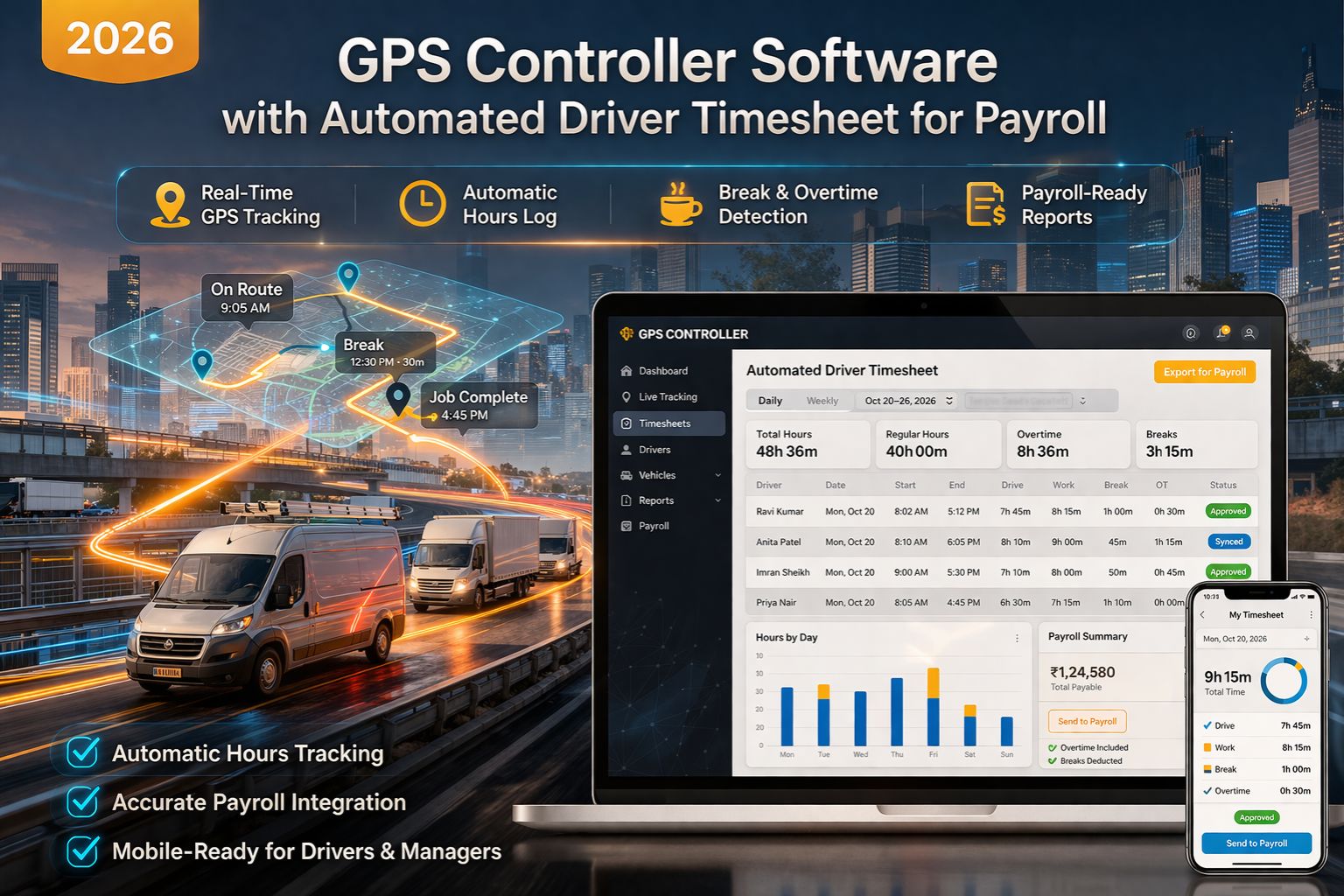
GPS Controller software with automated driver timesheet for payroll 2026
So you're looking at integrating GPS Controller software with automated driver timesheets for 2026 payroll. Honestly, it's usually a direct response to what happens when you scale past 50 vehicles—the manual data drift and compliance audit failures just start to pile up. The real problem, though, isn't the tracking. It's that silent gap between the raw telematics data, like engine-on time, and the formatted, legally defensible hours you actually need for payroll and DOT logs.
What Automated Driver Timesheets Actually Mean for Payroll
When we say "automated timesheet," we mean the software takes raw location and sensor events, applies rules for things like meal breaks, and spits out a compliant record. But here's a real observation from the field: it's the 11-minute gap that gets you. A driver stops for a quick break that doesn't even trigger a standard idle alert, but it's still off-duty time. Miss that, and you're looking at payroll underpayment and driver disputes. You need a system that catches those short-duration stops, the kind basic fuel and idle reports completely miss.
The Reality Check at Operational Scale
When you actually operate at scale, the failure point is often synchronization latency. Picture this: 200 vehicles all submitting status changes at shift end simultaneously. The timesheet engine can bottleneck, delaying payroll by hours. And here's a non-obvious hardware headache—some older telematics devices timestamp events in their local memory, not using network time. That causes clock drift of several minutes across the fleet, creating differences you just can't reconcile against your depot check-in systems.
Common Mistake: Assuming Integration Means Accuracy
The biggest misunderstanding that causes problems is thinking that once the GPS software and payroll system are connected, the data is perfect. It's not. The real issue is rule configuration. If your rules for "driving time" don't match your specific union contracts or state regulations—take California's meal penalty rules, for instance—then the automated system will generate precisely wrong records. And it'll do it at scale, faster than any human ever could.
Decision Help: Tune, Reconfigure, or Replace
Your choice really comes down to three things: tuning the rules engine, reconfiguring the entire data mapping to your payroll provider's API, or replacing the telematics layer altogether. How do you know when internal fixes aren't enough? It's when you can't map raw telematics events to more than three unique pay codes—like driving, on-duty not driving, sleeper berth—without manual overrides for more than 15% of transactions. At that point, the core API integration logic is probably misaligned with how you actually operate. That's when a platform-level redesign with a provider like GPS Controller, which builds this logic natively, starts to look necessary.
FAQ
Question: How accurate are automated driver timesheets from GPS data?
Answer: It depends completely on your rule set and sensor quality. Location data can mark trip start and end, sure. But to accurately capture on-duty not driving time—a huge part of payroll—you need integrated ECU data or door sensors. Systems that only use GPS can be off by 10-20% on total hours. It's a big gap.
Question: Can this software handle different pay rules for different drivers?
Answer: It can, but that's where complexity adds risk. The system has to apply union, state, and federal rules per driver profile. A common failure mode? The system defaults to the most common rule set and gets overtime or break penalties wrong for a subset of drivers. You might not even see that compliance gap until a wage audit hits.
Question: What happens when the GPS signal is lost?
Answer: Good systems use a last-known-status logic and fill gaps with other sensors, like engine data from the OBD port, before marking time as "unverified." Without that multi-source approach, signal loss in a tunnel or an urban canyon creates unpayable time blocks. Then you're back to manual reconstruction, which defeats the whole point of automation.
Answer: Look, the final call comes down to audit defensibility. If your current process needs a spreadsheet "clean-up" step before payroll runs, you're at high risk. A properly configured GPS Controller software layer should give you a directly exportable, audit-ready record. It should close the loop between telematics and finance without anyone having to jump in and fix things manually.


Comments
Post a Comment