GPS Controller for GCC construction site heavy machine tracking 2026
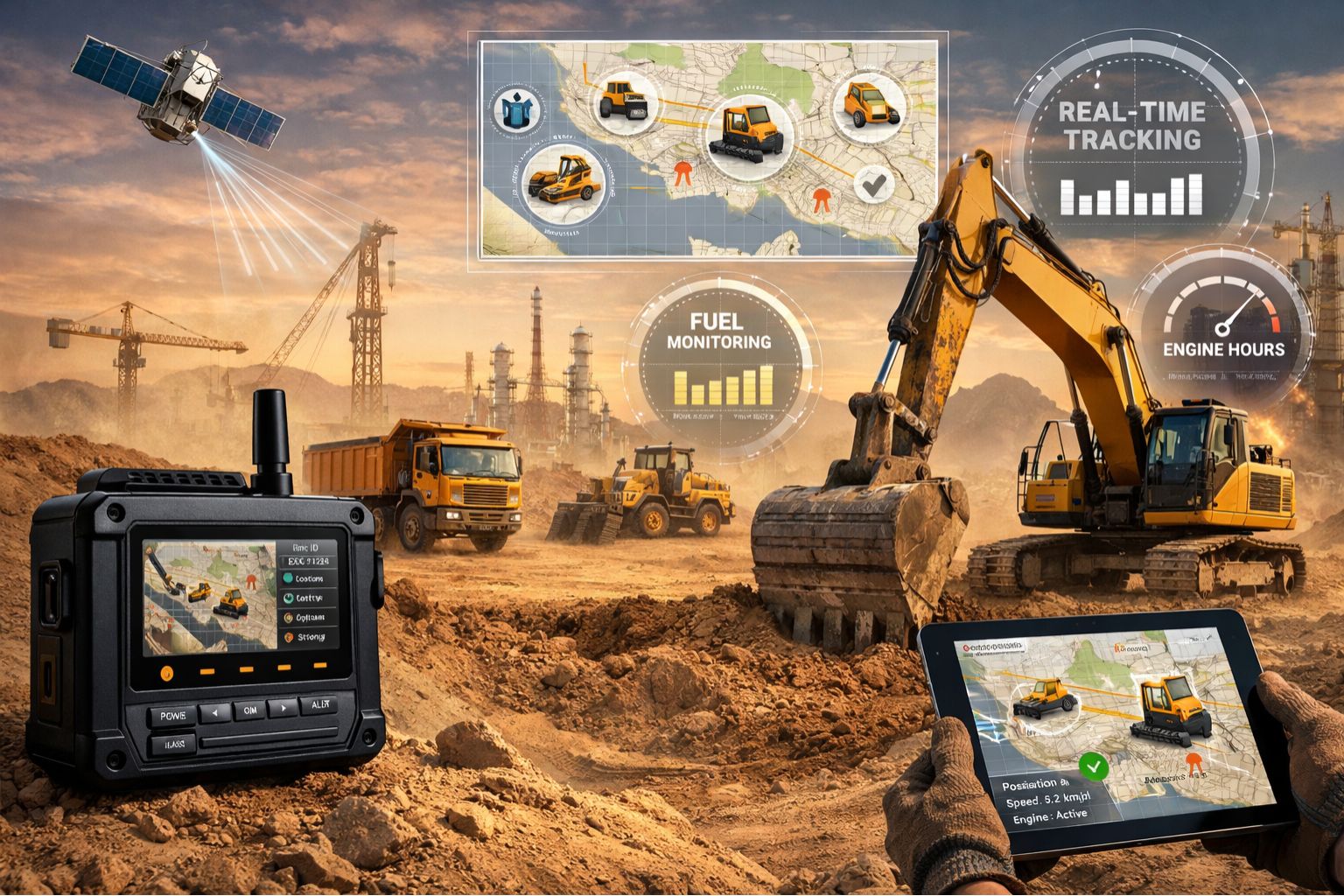
GPS Controller for GCC construction site heavy machine tracking 2026
When your GPS controller says a 40-ton excavator is sitting in one corner, but your foreman finds it digging 200 meters away, that's not a minor data lag. It's a critical failure in asset visibility that hits safety, billing, and timelines directly. This delay creates a phantom fleet—machines operating where you can't see them, leading to unauthorized use, wrong idle time reports, and compliance paperwork that just doesn't match what's actually happening on the ground.
What GPS Signal Delay Really Means on a Live GCC Site
On a big GCC site, GPS delay isn't a "blip on the map." It's geofence alerts that go off 10-15 minutes *after* a machine has already entered a restricted zone. It's daily reports showing a crane was idle for hours when it was really just moving between phases. The problem's usually a mix of things: urban canyon effects from new structures, spotty cellular coverage for the data transmission, and controller firmware that wasn't built for the stop-start, high-vibration life of heavy machinery. You might see a machine's location "jump" on the map instead of moving smoothly, which is a dead giveaway that buffered data is finally syncing up.
The Reality of Scale: When 5-Minute Delays Break Operations
On a major GCC project with dozens of machines, a consistent 5-minute lag makes real-time tracking pointless for day-to-day decisions. Dispatchers can't find the nearest loader reliably. Security can't check if night-shift movement is okay. Project managers can't prove machine hours for contractor invoices. It gets worse if you use this delayed data for fuel performance monitoring—sudden consumption spikes get pinned to the wrong location or shift, which can hide theft or just plain inefficiency. That latency gets baked into every report, creating a whole separate, inaccurate version of what's happening on site.
Common Mistakes That Make the GPS Delay Problem Worse
The costliest assumption is thinking this is just a "GPS signal" problem, solvable with a better antenna. The real failure chain usually involves the telematics device's reporting logic, the gateway setup on the site network, and the tracking platform's refresh rate. One common mistake is setting aggressive polling intervals to get "more data," which can overwhelm the device's buffer in low-coverage spots, causing bigger data dumps and more of those jarring location jumps. Another is not setting the geofence logic to account for the inherent delay, triggering a storm of alerts for stuff that's already happened. Teams often waste weeks fiddling with device placement when the flaw is really in the data pipeline itself.
Your 2026 Decision: Reconfigure, Upgrade, or Replace the System
The boundary is pretty clear. If delays are under 2 minutes and predictable, you can probably reconfigure your workflows and alert rules to work with the lag. If delays are 5+ minutes and all over the place, you need to upgrade core components—think dual-mode cellular/satellite devices and a platform that does some edge processing to stamp location data with precise timestamps before sending it. If the whole system, including the gps controller and software, can't give you timestamp-accurate locations for an audit trail, you're looking at a real compliance risk. That's when you have to replace it. The tipping point is when you can't use the data for real-time security or accurate daily billing.
FAQ
Question: How much GPS delay is normal for heavy machinery on a construction site?
Answer: With good cellular coverage, you should see updates under 60 seconds. Delays of 2-5 minutes point to network or device buffering problems. Anything over 5 minutes means your real-time tracking is basically broken for making operational calls.
Question: Can bad GPS data affect our project compliance and audits?
Answer: Absolutely. GCC project auditors will cross-check machine hours, location logs, and fuel reports. If the timestamps don't line up or the locations jump around, it can invalidate your data. That leads to compliance findings and can hit you with financial penalties for inaccurate reporting.
Question: We have good cellular signal boosters. Why is the data still delayed?
Answer: Signal strength is just one piece. The delay is often in the telematics device or the software platform. The device might be set to store and send data in batches to save battery, or the platform could be stuck processing a huge queue of data points, which adds lag.
Answer: It comes down to audit readiness and operational cost. If the delayed data is causing rework, security issues, or billing fights, then upgrading to a system with certified timestamp accuracy is essential. For less critical monitoring, you might get by reconfiguring your existing GPS tracking devices and adjusting expectations, but you're carrying a risk if you do.


Comments
Post a Comment