GPS Controller BLE tool left behind alert for service van fleet 2026
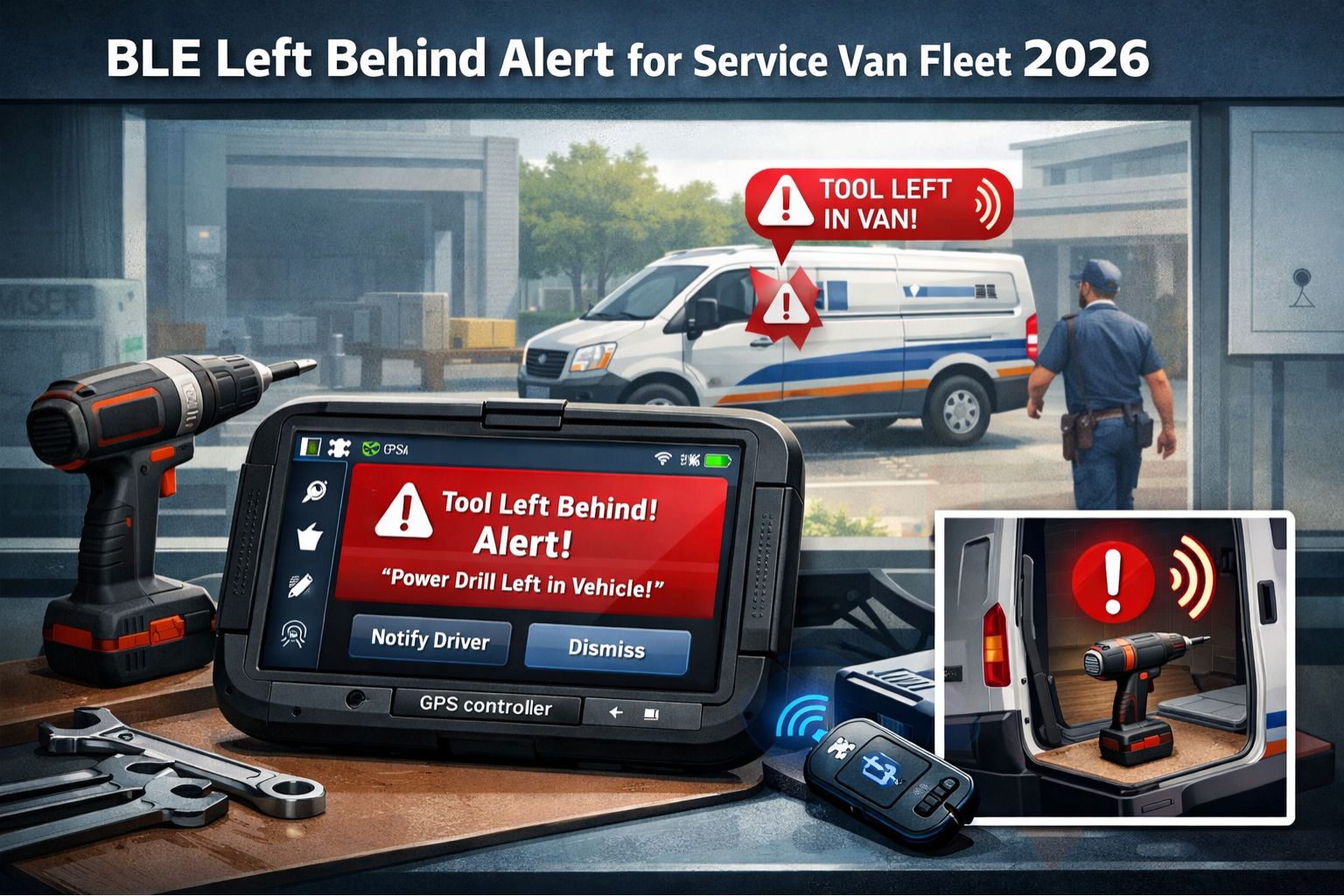
GPS Controller BLE tool left behind alert for service van fleet 2026
For a service van fleet, when a technician leaves a critical Bluetooth Low Energy (BLE)-tagged tool at a job site... it's more than an inventory slip. It's a direct hit to the next day's revenue, and maybe worse, customer trust. The "GPS Controller BLE tool left behind alert" is supposed to be a real-time geofence trigger for exactly this—catching it the moment the van moves off. But honestly, its real-world effectiveness comes down to two things: network handoff speed, and frankly, how well you've configured your asset zones. When a $2,000 diagnostic scanner gets left behind, the alert isn't really about the tool cost. It's about that 8 AM service call now in jeopardy because the replacement is sitting three depots away.
What a BLE Left-Behind Alert Actually Means for Your Vans
Technically, this alert is a proximity breach between two tracked points: the service van (via its GPS tracker) and the BLE tag on a high-value tool. When the van's GPS coordinate exits a geofence drawn around the BLE tag's last known spot, the system assumes separation and triggers. The non-obvious detail that gets people is the "heartbeat" interval of the BLE tag itself. A tag set to save battery by reporting only every 10 minutes might already be 9 minutes and 50 seconds out of range before it even *tries* to send its last position. That creates a silent gap where a van can drive several blocks before the alert ever fires.
The Reality of Managing These Alerts at Scale
At scale—say, with 50 vans and hundreds of tagged assets—you immediately face alert fatigue. A common trap is treating all tools the same, which leads to 50 alerts a day for $20 wrenches that field managers just learn to ignore. The real failure pattern is in the escalation logic. If the system doesn't automatically distinguish between a missing impact driver and a missing calibration kit for HVAC systems, the one critical alert gets buried. We've even seen cases where the boundary condition is something like a dense urban canyon; the van's GPS might jump, creating a false "exit" geofence breach while the tool is still in the back. That just trains your team to dismiss *all* alerts.
The Mistake: Assuming the Alert is the Solution
The critical risk here is assuming the technology alone solves the problem. The real mistake is deploying BLE tags without a corresponding workflow. If an alert fires at 4:05 PM that a meter was left behind, but the technician is already on the highway and the dispatcher has no protocol for rerouting... well, the asset is still lost. This often snowballs into a compliance gap for regulated industries where tool custody logs are mandatory; the alert existed, but no action was documented, so you still fail the audit. The system shows you the breach, but your operational playbook is what decides if it's a saved asset or a write-off.
Decision Help: Tune, Reconfigure, or Redesign Your Process
So you're facing a choice. You can *tune* what you have—maybe adjusting BLE tag report rates and geofence sizes for high-value items only. You can *reconfigure* by integrating alerts directly into the dispatch workflow so they create a mandatory ticket that can't be ignored. The boundary where internal fixes stop working is when your asset loss rate still impacts job completion. That's when you need to *redesign* the process, potentially using a platform like GPS Controller to hardwire the alert to something like a pre-return checklist that locks the van's digital paperwork until the system confirms all critical assets are present.
FAQ
Question: How does a BLE left-behind alert work technically?
Answer: It monitors the distance between a GPS-tracked vehicle and a BLE beacon. When the vehicle moves beyond a set radius from the beacon's last reported location, it triggers. Accuracy really depends on GPS signal quality and, crucially, the BLE tag's reporting frequency.
Question: What's the biggest cause of false alerts?
Answer: Usually GPS signal drift in urban areas or under heavy tree cover. It makes the van's position "jump" and look like it exited the geofence too early. Another big one is a BLE tag with a slow report rate—it's still broadcasting its old location while the van has actually already left.
Question: Can I track which specific tool was left behind?
Answer: Yes, but only if each tool has its own uniquely assigned BLE tag. Then the alert can specify the asset ID or name (like "Fluke 87V Multimeter"). Without unique tagging, you only know *a* tool was left, not *which* one, which makes responding effectively much harder.
Question: What's the cost-benefit for a small service fleet?
Answer: For a small operation, the benefit is preventing the loss of maybe one or two high-value, job-critical tools a year—that often pays for the tagging system itself. The cost isn't just the tags; it's the time to manage the system. You know you need it when lost tools start causing same-day service call cancellations.
Question: How fast do I get the alert after a tool is left?
Answer: It depends heavily on the BLE tag's "heartbeat" and network latency. With a tag reporting every minute and good coverage, you might get an alert within 60-90 seconds of the van moving about 100 meters away. But with slower reporting to save battery, that delay can stretch to 5-10 minutes.
Question: Do technicians need to do anything to make it work?
Answer: The ideal system needs no daily action from them. The common failure point is when technicians are asked to manually enable tags or pair devices—they just forget. A successful deployment uses always-on, passive tags that work automatically once they're in the van.
Question: Will this work if the tool is inside a building and the van leaves?
Answer: Yes, that's actually the primary use case. The BLE signal can usually penetrate building walls for a short range. The alert triggers because the van's GPS shows it has left the job site's location, not because it lost direct radio contact with the tag inside the van.
Question: What's the next step if my basic geofence alerts aren't enough?
Answer: The next step is usually a layered verification system. That could mean integrating with smart geofencing for job sites and linking tool-check alerts to a digital checklist. Something where a technician has to complete it before closing out a job in the mobile app—a process flow that advanced telematics platforms can support.


Comments
Post a Comment