GPS Controller automated driver timesheet payroll integration 2026
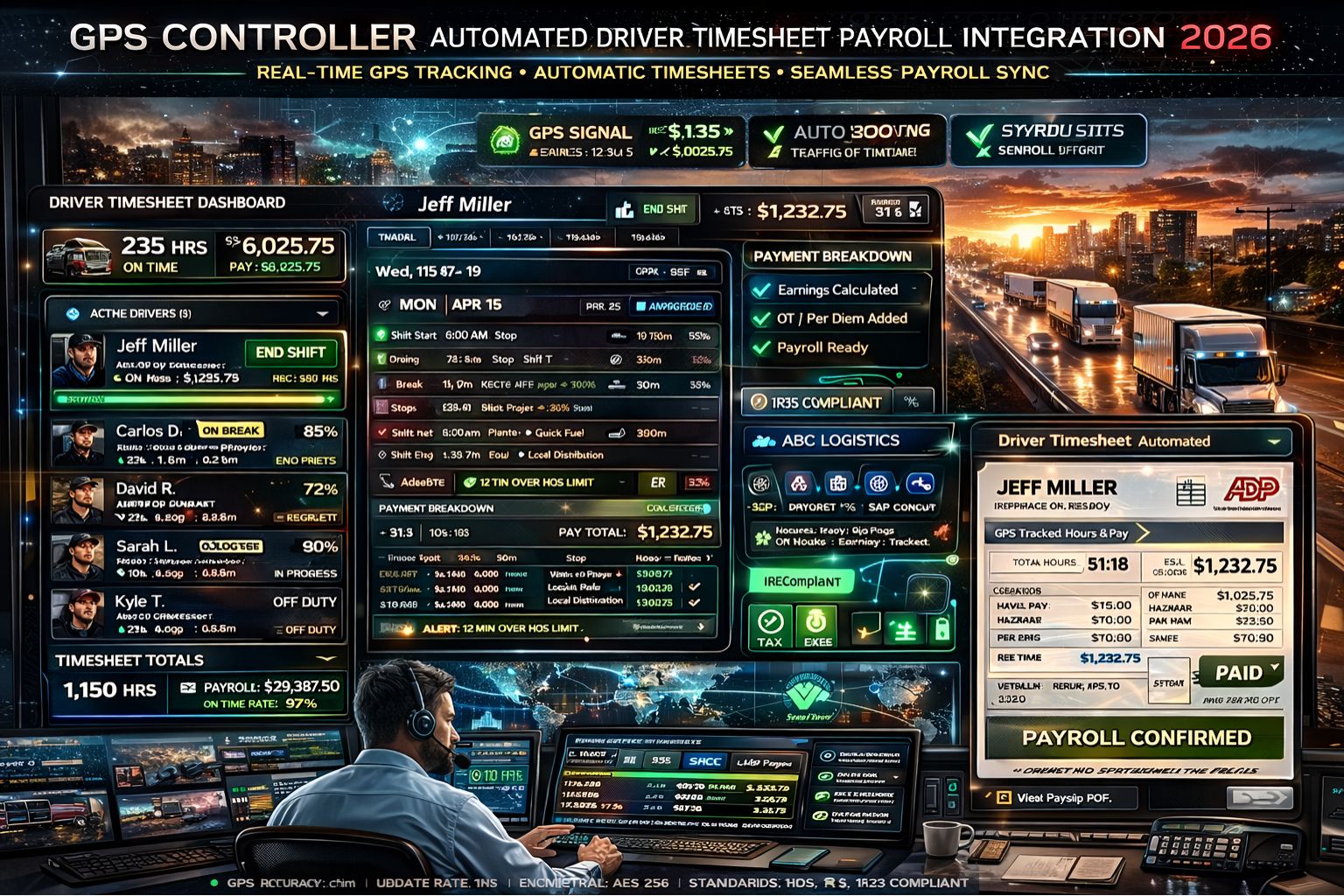
GPS Controller automated driver timesheet payroll integration 2026
So your GPS Controller automated driver timesheet payroll integration drifts by just 15 minutes per driver per day. You're not just looking at wage errors then—you're staring down a systemic compliance audit failure that payroll software alone won't catch. That promise of seamless data flow from vehicle telematics to payroll? It runs into real-world problems: signal jitter, missed geofence departures, engine-on time that doesn't match the driver's logbook. It creates a hidden liability that just gets bigger with every vehicle you add.
What Automated Timesheet Payroll Integration Actually Means for Fleets
In practice, this integration is basically a one-way data pipeline. Your GPS Controller's engine hours, location pings, and geofence events are supposed to auto-populate digital timesheets. But here's the reality: a driver sitting in a truck with the engine off for a break, but still within a geofenced yard, can accidentally trigger a "shift start" event. Meanwhile, signal loss in urban canyons creates unaccounted gaps that the system just has to guess at, interpolating and generating timesheet records that wouldn't hold up legally. This isn't just about moving data from A to B; it's about creating an audit trail that can actually withstand a Department of Labor inspection. That requires reconciling telematics events with driver status inputs from your FleetManagementSoftware.
The Payroll Error That Grows With Your Fleet Scale
The big mistake is thinking this integration is a set-and-forget backend process. At 10 vehicles, a 5% error rate in activity detection? Maybe you can manually fix that. At 100 vehicles, that same error rate produces hundreds of conflicting data points every single week. It forces payroll managers into a bad choice: approve potentially inaccurate hours, or spend hours manually verifying each anomaly. That's a workflow collapse. The risk really escalates when overtime thresholds get miscalculated automatically, leading to systemic wage underpayment or overpayment. Either one carries severe financial and legal penalties if you get audited.
Where Internal Configuration Hits a Hard Boundary
Sure, you can tune geofence sensitivity and adjust engine-idle thresholds within your GPS Controller platform. But you hit a hard boundary when your payroll system needs discrete "clock-in/out" events and your telematics provides a continuous, sometimes ambiguous, activity stream. Your decision becomes binary: either accept the risk of data interpolation errors by forcing a rigid rule set (like "engine on equals on-duty"), or you redesign the whole integration logic to include a driver-acknowledged status change via a mobile app. That adds a crucial human verification layer, but it also breaks the promise of full automation. When manual correction becomes a daily task for the department, you have to admit the integration has failed its core purpose.
Decision Help: Reconfigure the Logic or Replace the Workflow?
So your choice is this: reconfigure the integration's matching logic with tighter rules and exception handlers, or replace the automated timesheet push with a verified-pull system. With a pull system, payroll queries a certified, reconciled data set from the telematics platform. The boundary is pretty clear: if more than 5% of daily driver records need manual review or adjustment, your current automated integration is creating more risk and labor than it saves. At that point, the solution isn't more tuning. It's a workflow redesign that prioritizes audit-ready data over fully hands-off automation. That's a principle that has to be central to robust fleet operations management.
FAQ
Question: How accurate is GPS automated timesheet integration?
Answer: In controlled environments with perfect GPS signal, the accuracy can be high. Out in the real world though, factors like urban signal blockage, prolonged engine idling, and driver delays between getting in the vehicle and logging their start time create discrepancies. We're talking 15-45 minutes per day that just pile up into significant payroll errors.
Question: Can automated timesheet data be used for legal compliance?
Answer: It can form part of a compliant record, but it rarely stands alone. Most regulations require driver certification of their hours. An automated log without driver verification is often seen as insufficient during an audit, which just creates more compliance risk.
Question: What is the biggest payroll risk with telematics integration?
Answer: The silent, dangerous risk is misclassifying "on-duty" time. If the system counts all engine-on time as paid time, but a driver is doing pre-trip inspections (that's on-duty, not driving), or if it fails to capture wait time with the engine off, you're systematically miscalculating wages and overtime eligibility.
Answer: The fix usually involves a hybrid model. Use telematics for the precise timestamps and location data, but require driver confirmation via a simple mobile interface for major status changes—shift start/end, break start/end. This builds an audit trail where the GPS Controller provides the objective data point and the driver provides the legal attestation. It's what you need to satisfy both operational and compliance demands.


Comments
Post a Comment