GPS Controller AI surface fleet trends without manual query 2026
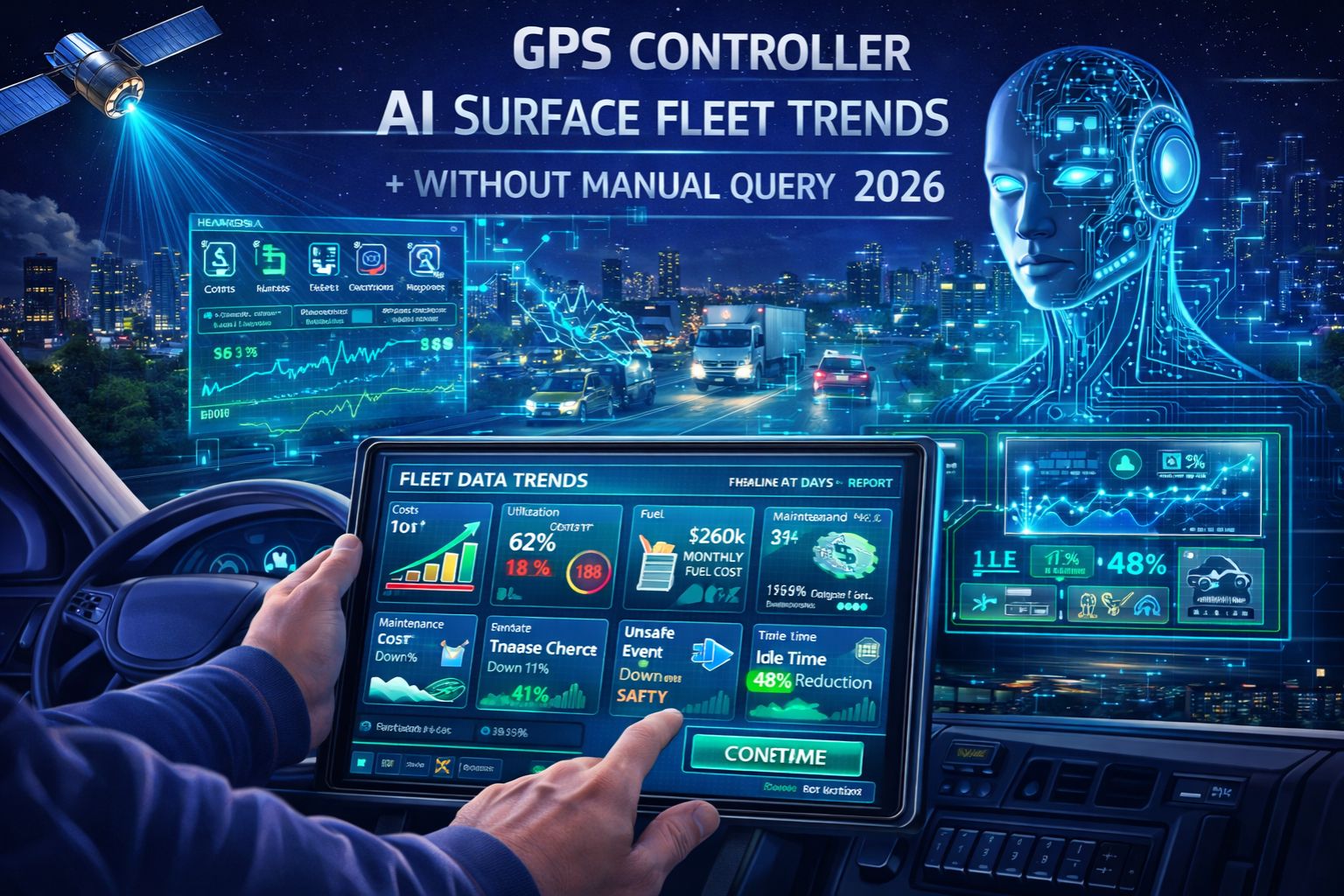
GPS Controller AI surface fleet trends without manual query 2026
When your fleet management platform's AI starts showing you critical trends—like weird midday idling clusters or repeated speed violations on certain routes—without anyone asking for a report, it stops being just convenient. It becomes something you have to pay attention to. This idea of autonomous insight generation, which is a big focus for 2026, means the system is connecting GPS pings, engine data, and driver logs to flag things you'd miss on a busy day. But the thing you really need to notice is when these so-called trends have a slight delay; a "trend" about geofence exits might be using location data that's already a minute and a half old, which could hide a real-time dispatch problem completely.
What Autonomous Trend Surfacing Actually Means
In reality, this isn't about getting nice-looking charts. It's the system's algorithms figuring out that three of your trucks keep slamming on the brakes 300 meters before a specific highway exit, hinting at a bad road or confusing sign. The not-so-obvious part is how it all depends on clean, perfectly timed data from both the GPS and the vehicle's own computer network. If those data streams are even a little out of sync, the AI could link a braking event to the wrong spot on the map, inventing a trend that isn't real. This is exactly why having solid fleet management software underneath it all is so important.
The Reality of Scale and Signal Lag
When you're operating at scale, with hundreds of vehicles, the AI is sifting through millions of data points. The risk isn't that it stops working—it's that it surfaces a "trend" based on something temporary, like a bunch of trucks all losing GPS signal in a new downtown area with tall buildings. A manager might see a "recurring route deviation" alert and change schedules, not knowing the AI was using shaky, low-accuracy location data for its conclusion. The real boundary here is network congestion; during peak hours, data latency can make the AI associate events from different times, producing conclusions that look smart but are actually flawed because the timing is off.
Common Misunderstandings That Escalate Risk
The most dangerous thing you can do is take these surfaced trends as gospel without asking where they came from. A trend that says "fuel inefficiency on suburban routes" could be a brilliant find, or it could be total nonsense if the system is estimating fuel use from generic engine RPMs instead of actual fuel sensor data. Teams can end up wasting weeks "fixing" a phantom problem, or worse, start ignoring real alerts because a previous one was wrong. That's how you erode trust in the automation right when you need to rely on it.
The Decision: Tune, Reconfigure, or Replace?
Your decision point is pretty clear. You can *tune* the alert settings if the trends are basically right but too cluttered with false positives. You *reconfigure* the data sources and rules if the trends are built on bad inputs. But sometimes, you have to *redesign* your whole monitoring setup if the AI simply can't get high-quality, timely data from your telematics devices. When the system can't tell the difference between a network hiccup and a real operational pattern, internal tweaks won't cut it. That's when you have to look hard at the core telematics platform itself, like the logic inside a gps controller.
FAQ
Question: What does "AI surfacing trends" actually look like in my dashboard?
Answer: Usually, you'll see proactive alerts or little cards pop up highlighting a pattern—something like "Increased idling detected at Site B" or "Route compliance dropped 12% on Route 7." It happens without you having to run any analysis or build a custom report.
Question: How accurate are these automated trends compared to manual reports?
Answer: Their accuracy hinges completely on the quality and timeliness of the GPS and sensor data feeding them. With perfect data, they're incredibly accurate. But if the data is delayed or patchy, the trends can be seriously misleading, because the AI has no way of knowing about those gaps in the signal.
Question: Can I control what kind of trends the AI looks for?
Answer: In more advanced systems, you often can—you can usually set parameters and priorities, like telling it to focus more on safety events than fuel economy. But the core correlation logic is typically a black box, so you're really just guiding its attention, not rewriting its code.
Question: When should I be concerned about an AI-generated trend?
Answer: Start worrying when a trend suggests a major operational shift but is built on a tiny amount of data, pops up in known GPS dead zones, or directly contradicts what your drivers are telling you. That's a signal that you need to check your data pipeline before you trust the insight.


Comments
Post a Comment