GPS asset tracker for construction machinery idle time 2026
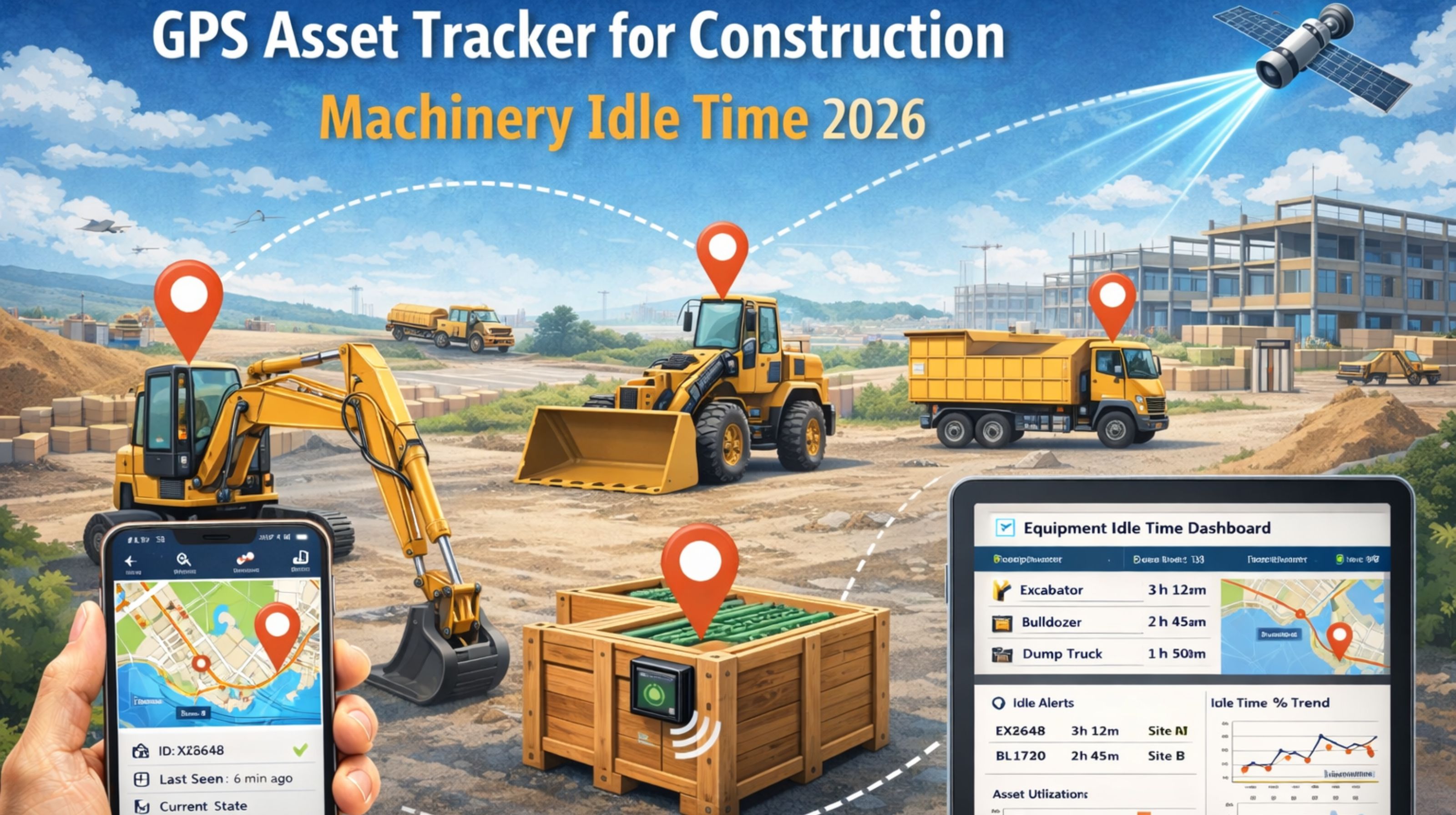
GPS asset tracker for construction machinery idle time 2026
So your GPS tracker says a bulldozer is idle. You're probably making decisions right then about fuel waste, or operator efficiency, or the project schedule. But here's the thing for 2026—the problem often isn't the tracker. It's the lag. The signal latency and those data aggregation delays can create a false "idle" in your reports, while out on site, the machine might be trenching or compacting. It's in a low-power but high-vibration mode that the system just misreads as not working.
What Idle Time Really Means on a Live Construction Site
In fleet telematics, "idle time" usually means engine on, speed zero. On a construction site, that definition just falls apart. Think about a crane doing lifts, or a piling rig driving posts. Near-zero ground speed, but they're absolutely working. The tracker's accelerometer might feel the vibration, sure. But if the GPS signal is weak—under scaffolding, or down in a deep excavation—the main location data it uses to confirm "work" gets delayed or just drops out. Then the status defaults to idle. This isn't really a software bug; it's more like a fundamental gap in how the sensors work together in a harsh environment.
The Real Cost of Misreported Idle Hours at Scale
Now, scale this up. A multi-site project with 50+ pieces of equipment. These little inaccuracies start to compound. You might look at a report showing 30% idle time across your fleet and launch operator retraining, or start reassigning assets—all based on flawed data. The real culprit could be something like poor cellular coverage in a new development zone, causing data to batch up and transmit late. That makes your real-time feed unreliable. I heard from one superintendent whose CustomReportsAnalytics showed an excavator idle for 4 hours. Meanwhile, the site manager's log had it loading trucks the whole time. The disconnect? The tracker was trying to conserve battery in a low-signal area, which accidentally stretched out the time between reports.
The Common Mistake: Chasing Hardware Over Configuration
Here's the most frequent error I see: teams assume the tracker is broken and replace it. But the actual failure point is usually the configuration logic. Most systems have a default idle threshold—say, 5 minutes of no movement. On a construction site, machinery often works in short, intense cycles. If the tracker's movement detection leans only on GPS coordinate change (and GPS has a margin of error of several meters), it can easily miss the micro-movements on a pad. So it logs idle time between actual work cycles. People waste weeks swapping out hardware, when they should be tuning the geofence sensitivity and the movement algorithms for their specific machines and site layout.
When to Tune, Reconfigure, or Replace Your Tracking Setup
This is where you need to draw the line. Always start by tuning. Adjust the idle detection to use a mix of engine RPM (from the CAN bus), accelerometer data, and GPS. If the inaccuracies keep happening—especially for critical gear like cranes—you have to move to a full reconfigure. That means re-prioritizing the entire data pipeline to focus on accelerometer and gyroscope data over pure GPS location when the machine is stationary. You only hit the replacement threshold when your current hardware can't fuse these sensor inputs locally. Older trackers just send raw GPS to the cloud for processing, and that introduces a fatal delay. At that point, you need to look for a platform with edge-processing capability, like the ones discussed in gps controller integrations. The goal is to get the truth from the machine itself, not from a delayed signal.
FAQ
Question: Why does my GPS tracker show idle time when my equipment is definitely working?
Answer: It's probably a sensor fusion problem. The tracker might be leaning too hard on GPS movement. If the machine is operating in place (like a crane) or it's in a GPS-dead zone (like a basement), the lack of location change trips an idle flag, even if the engine and hydraulics are running.
Question: Can bad cell signal cause false idle reports?
Answer: Yes, and it's a big deal. When cellular connectivity is poor, trackers often batch up data. Those batched reports can land at the server out of order. The software then has to piece the timeline back together, and chunks of missing data might get filled in as idle time. So you end up with a historical record that never matched what was actually happening.
Question: How does idle time inaccuracy affect project costing?
Answer: It inflates costs directly. You might bill a client for equipment hours based on this telematics data. If idle time is overstated, your utilized hours look lower than they are—that's lost revenue. On the flip side, you could end up penalizing operators or subcontractors for supposed inefficiency based on bad data, which just wrecks working relationships.
Question: Is there a 2026 solution for accurate machinery idle tracking?
Answer: The solution is shifting. It's moving away from pure GPS and toward multi-sensor edge processing. The next wave of IoTAssetMonitoring for construction uses local processing on the tracker itself. It analyzes engine data, vibration patterns, hydraulic pressure—all to figure out the work state. GPS is just for location context. This breaks the dependency on having a constant, perfect GPS signal just to report status.


Comments
Post a Comment