dwell time monitoring GPS geofence alert for dock doors
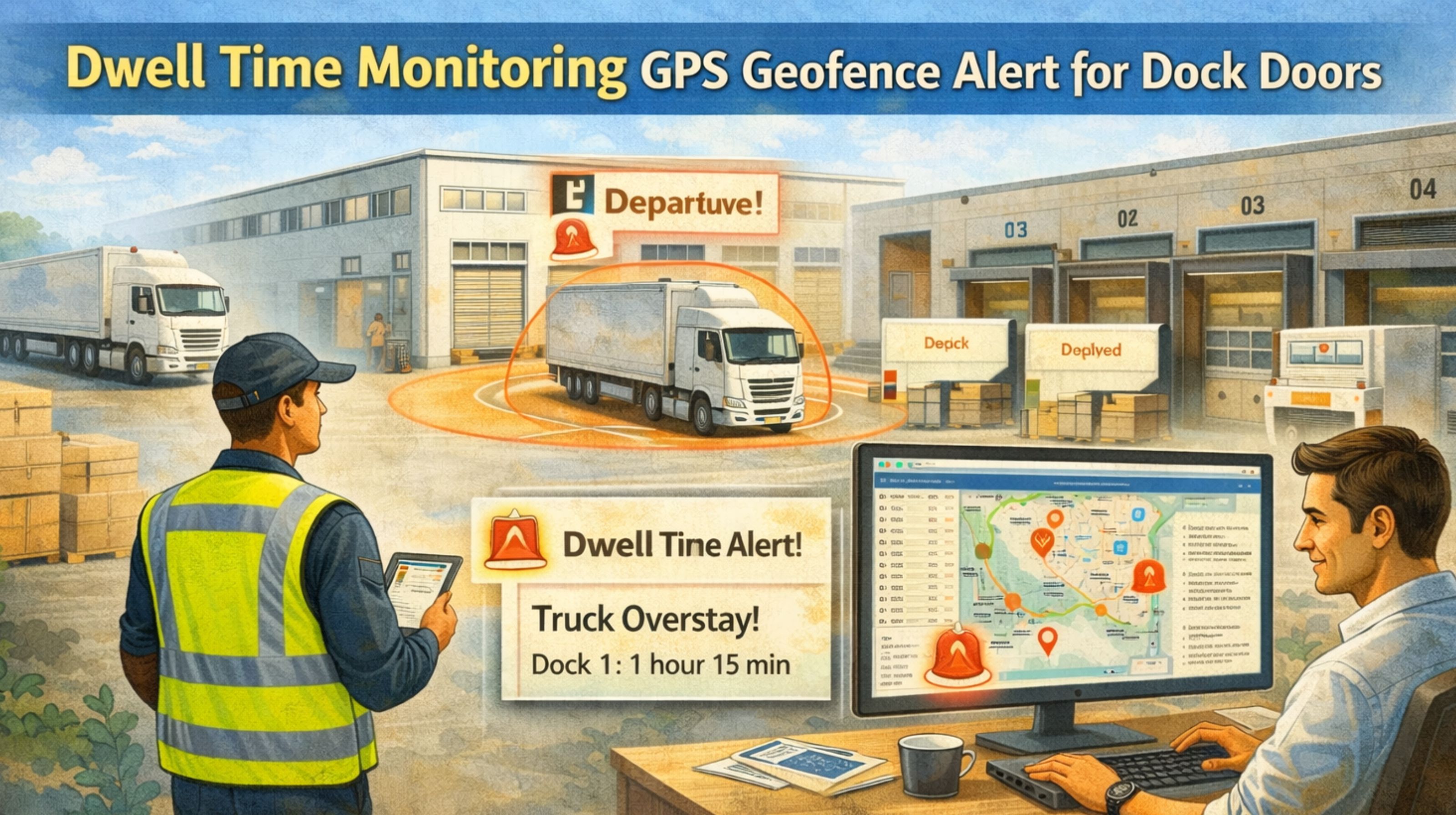
dwell time monitoring GPS geofence alert for dock doors
When your GPS geofence alert for dock doors is delayed, your entire dwell time monitoring system becomes unreliable. It'll report trucks as "at dock" long after they've left, or sometimes miss their arrival entirely. This isn't just a data error; it's a workflow breakdown. Dispatchers end up reacting to stale information, and yard managers just stop trusting the schedule. The core problem is that standard GPS polling intervals and signal processing create a built-in latency. That latency corrupts the precise "in/out" timestamps you absolutely need for accurate dwell calculations.
What Dwell Time Monitoring Really Means at the Dock
True dwell time monitoring is supposed to be the precise measurement of the interval between a vehicle's arrival at a geofenced dock door and its departure. For operations, this data drives everything—driver pay based on wait times, slotting efficiency, carrier performance reports. A common misunderstanding is thinking a geofence is a perfect digital line. In reality, GPS signal bounce near large warehouse structures can cause a truck to appear to jitter in and out of the zone. That generates multiple false alerts or, worse, makes it miss the entry event altogether. People often mistake this jitter for a device fault, but it's usually an environmental signal issue.
The Reality of Geofence Alerts Under Operational Scale
At scale, with dozens of trucks moving through a yard simultaneously, the delay in geofence alerts compounds. You might see a truck depart Dock 3 with your own eyes, but the system doesn't register the "exit" for another 90-120 seconds because it's waiting for the next scheduled GPS ping. During that window, the dock appears occupied, which delays dispatch from assigning it to the next waiting driver. We've seen yards where this lag creates a cascading delay, effectively losing 15-20 minutes of productive dock time per door, per day. The non-obvious detail? Many fleet management software platforms process geofence events in batches, not in real-time, which adds another layer of systemic delay on top of everything else.
The Critical Mistake: Assuming Configuration Will Fix It
The most common and costly mistake is assuming you can fix dwell time inaccuracy by simply tightening the geofence radius or increasing the GPS reporting frequency. Tightening the radius often makes the jitter problem worse near structures. Increasing frequency drains device batteries and floods your network with redundant data, all without solving the core latency in event processing. The failure pattern escalates when teams spend weeks "tuning" settings, only to find the compliance logs for detention billing are still unusable. That leads straight to financial disputes with carriers. This is a system architecture problem, not something you can configuration-tweak your way out of.
When to Tune, Reconfigure, or Redesign Your Monitoring
Here's a practical decision boundary. If your geofence alerts are delayed by less than 30 seconds and are consistently correct (just slow), you can probably tune by adjusting alert logic in your software. If delays are between 30 seconds and 2 minutes and are inconsistent, you likely need to reconfigure your entire location data pipeline. That might mean integrating secondary triggers like bluetooth beacon or door sensor data for the initial "arrival" event. If delays are consistently over 2 minutes or the data is fundamentally unreliable for billing, you've hit the boundary where internal fixes are insufficient. This requires a redesign, moving to a platform that uses event-driven, real-time telematics with sub-second alert processing, not batch-polling architectures. In this space, solutions like gps controller are built for that low-latency imperative.
FAQ
Question: Why is my GPS geofence alert for the dock door always late?
Answer: The delay usually comes from the GPS device's scheduled reporting interval—say, every 60 seconds—plus the server processing time after that. The system only knows the truck arrived when it receives and processes the next location ping that finally falls inside the zone.
Question: Can a better GPS device fix dwell time monitoring errors?
Answer: Not usually. A better antenna can help with signal loss, sure, but the core delay is in the reporting frequency and the cloud processing architecture. A high-end device on a 60-second polling cycle will still be at least 60 seconds late.
Question: How much dwell time inaccuracy is acceptable for compliance logs?
Answer: For detention billing or SLA tracking, even a 2-minute error per event can create significant financial exposure or spark carrier disputes over a month. The boundary for "acceptable" is typically under 30 seconds of consistent latency.
Answer: When your delayed alerts cause tangible workflow breakdowns—like yard congestion or dispatch errors—or make your compliance data unusable for billing, it's a redesign problem. If you're constantly having to explain data discrepancies, you've probably passed the tuning boundary.


Comments
Post a Comment