Affordable GPS fleet software fails when Azuga's data gaps become your problem
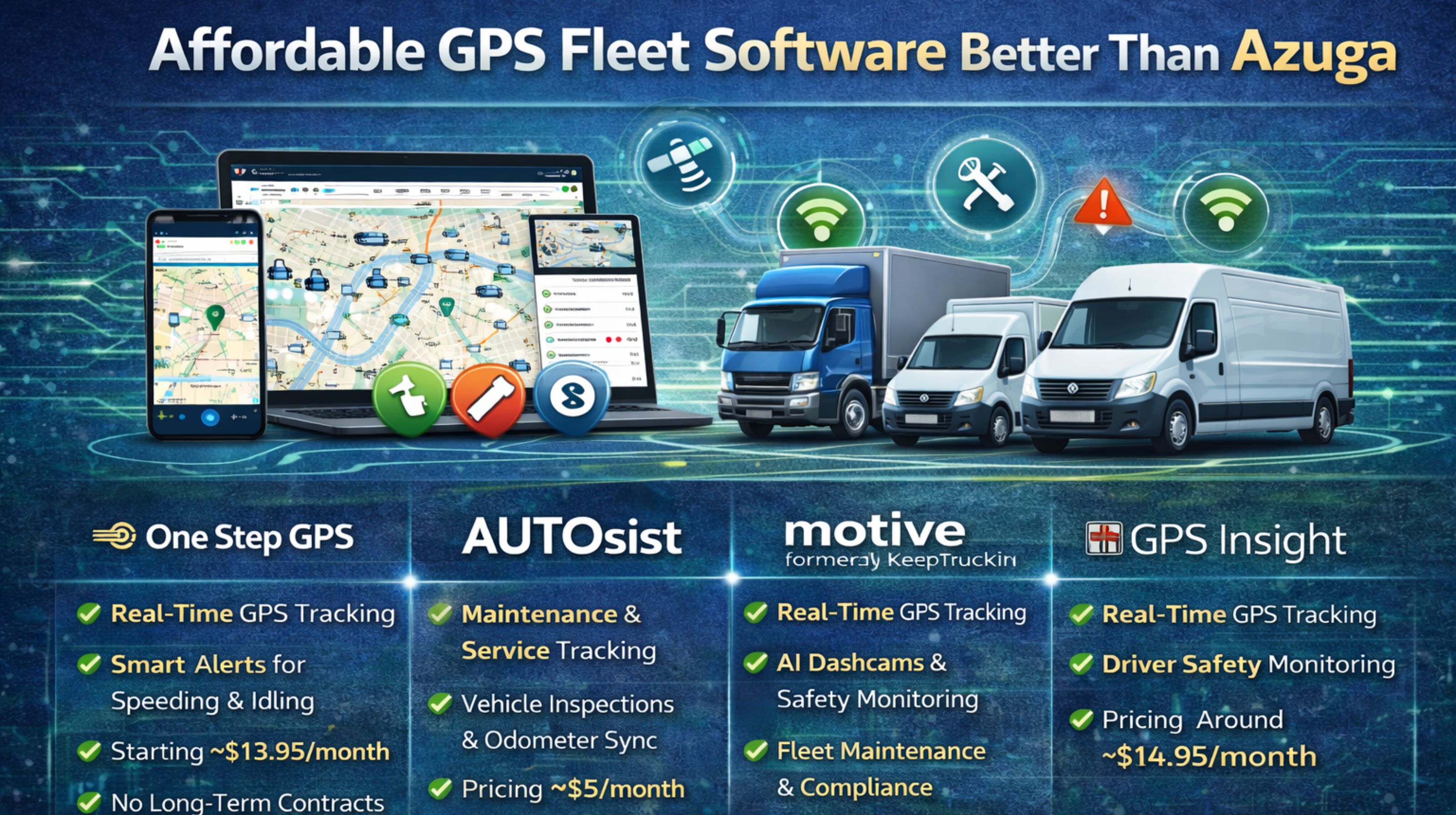
Affordable GPS fleet software fails when Azuga's data gaps become your problem
You switch from Azuga to a more affordable GPS fleet software thinking you've solved a budget issue. Then you hit the real problem: the new system's reporting intervals and alert speed are just... off. They don't match the rhythm your operations were built on, and suddenly you're dealing with workflow snags and compliance holes you didn't see coming.
Clarity on the Azuga replacement gap in live tracking
It's not really about the price tag. It's about the signal. If you're used to Azuga, you're used to a certain flow of data packets and dashboard updates. A cheaper platform might ping a location every 3 minutes instead of every 30 seconds. That sounds okay on paper, right? But then you need real-time proof of a delivery, or an instant alert the second a truck leaves a geofence with expensive cargo. That minor lag becomes a major liability, fast.
Reality check under real fleet scale and load
This is where theory meets the road. With 50 or more vehicles, a cheaper system's database starts to groan under the load. You'll notice it—delayed geofence alerts start piling up right during shift changes, confusing dispatch. Or you'll see idle time reports that swing 15-20% compared to what Azuga logged. That's not just a number; it messes with driver reviews and creates audit trails that don't match up, leaving you to clean up the mess.
The mistake of assuming all GPS data is equal
Here's the critical misstep: thinking "location data" is the same everywhere. Azuga's hardware often uses multiple satellite systems (GPS plus GLONASS). A lot of budget options? They might just use basic GPS. The difference shows up in cities or near big buildings, where the signal drops. You get "ghost" routes and messed-up stop reports. Once that happens, trust in your whole fleet management software dataset starts to crumble.
Decision help: when to tune, reconfigure, or replace the replacement
So where's the line? It comes down to data integrity for compliance. If your new, affordable software can't reliably timestamp and sequence events—ignition, door sensors, PTO use—well enough to pass an ELD or hours-of-service audit, then tweaking settings isn't going to cut it. You're left with two bad choices: painfully redesign your entire tracking process, or swap the software again for something actually built to provide audit-grade data. At that point, you realize the underlying gps controller architecture matters a lot more than how pretty the dashboard looks.
FAQ
q What is the biggest risk when leaving Azuga for cheaper software?
a Honestly, it's inconsistent data. The granularity breaks your automated reports, forcing you to manually fix everything. Any cost savings you hoped for get wiped out by that labor.
q How does vehicle scale affect affordable fleet tracking software?
a Push past 30 or 40 vehicles, and things get shaky. Database queries slow down. Your live map view and your alert feed stop showing the same reality, making real-time oversight basically guesswork.
q Can you fix delayed geofence alerts in budget systems?
a You can try. Widen the geofence areas or tell the system to check in less often. But that just makes everything less accurate, which kind of defeats the whole point of monitoring locations precisely.
q When is it too late to fix an Azuga replacement software?
a It's too late when your team stops believing the data. If drivers and dispatchers go back to using paper logs or their own notes, the system has failed. That moment usually hits right around a failed compliance audit, forcing you to start your search all over again.


Comments
Post a Comment