Why Your Construction Equipment Geofence Alerts Keep Failing or Being Ignored
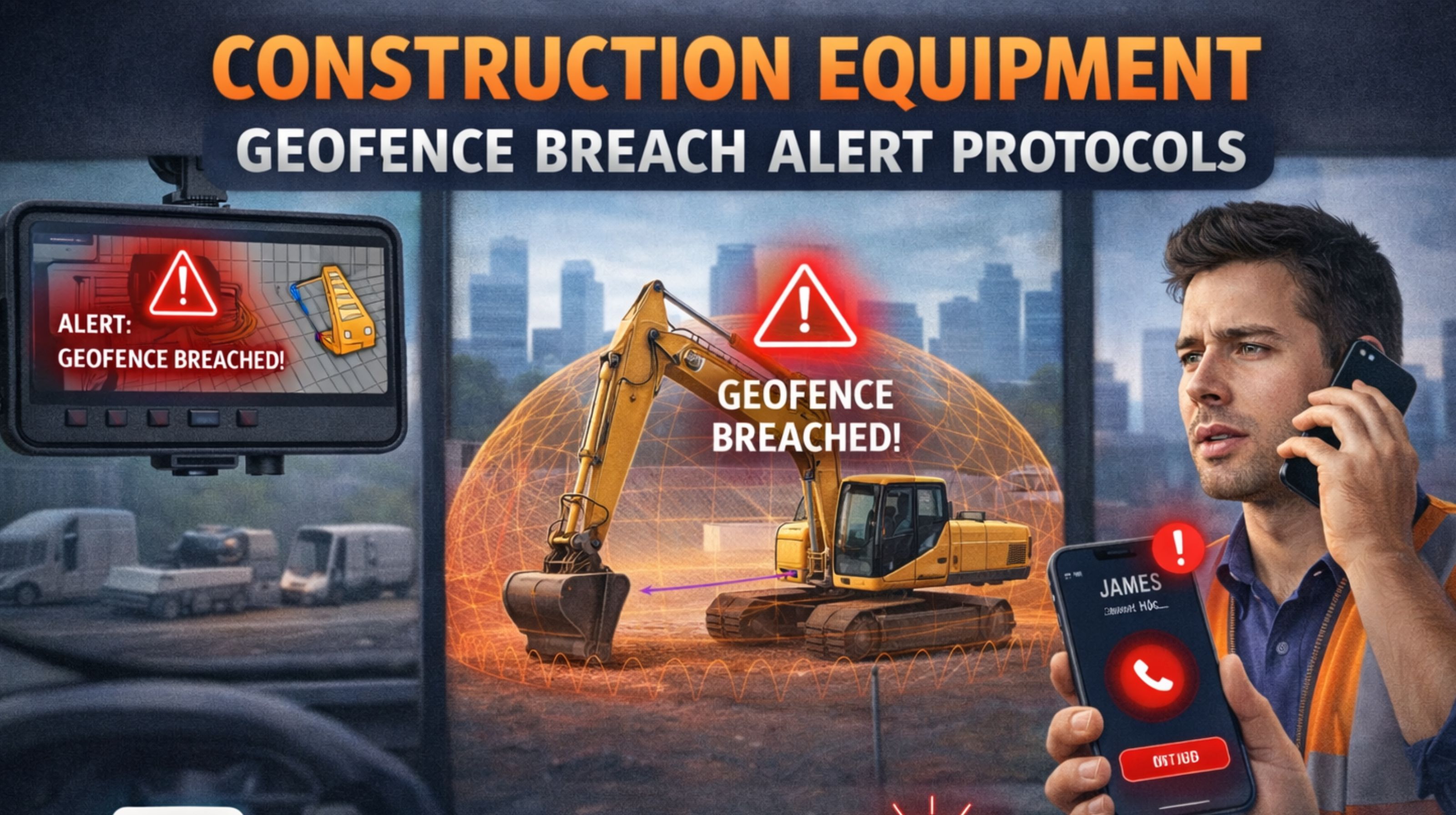
Why Your Construction Equipment Geofence Alerts Keep Failing or Being Ignored
For construction fleet managers, a geofence breach alert is supposed to be a critical security and safety signal, but too often, it's just noise that leads to alert fatigue or, worse, a missed genuine theft or unauthorized movement. The gap between setting a virtual boundary and having a reliable, actionable protocol is where most teams experience failure.
What a Geofence Breach Protocol Actually Means on a Live Job Site
In practice, a protocol is more than a notification; it's the defined chain of events from GPS ping to human action. This starts with the geofence itself—a digital perimeter drawn around a storage yard, active work zone, or even a specific trench. When equipped machinery crosses that line, the tracking device sends a signal. The protocol dictates who gets that signal, in what format (text, email, in-app alert), what immediate verification steps are taken, and what the escalation path is for a confirmed breach. Without this workflow, an alert is just data, not a defense.
The Reality of Geofence Alerts on Dirt, Steel, and Diesel
The theory of instant alerts meets the reality of construction environments. GPS signals can be delayed or lost when equipment is parked under canopies, inside partially enclosed structures, or in deep excavations, causing "false" breach alerts when signal reconnects. We've seen alerts trigger because a lowboy trailer was repositioned 50 feet within the yard, not because a skid steer was stolen. The real-world observation is that the most common "breach" is often authorized movement by a subcontractor or night crew that wasn't communicated to the office, highlighting a failure in operational communication, not security.
The Costly Mistakes in Construction Geofencing Setup
The most frequent mistake is setting geofences too tightly around unpredictable work areas, guaranteeing nuisance alerts that train crews to ignore all alerts. Another is relying on a single, broad-site fence instead of layered zones: a strict "no-exit" fence for the storage lot, and a larger, log-only "active site" fence for machinery in use. A critical misunderstanding is assuming the alert is the end goal; it's merely the starting pistol for your response protocol. Without a clear verification step—like checking a live camera feed or calling a site foreman—teams waste resources chasing false positives.
Building a Reliable Alert and Response Workflow
To decide on your protocol's scope, start by categorizing your equipment and zones by risk. High-value assets in remote storage yards need immediate, 24/7 alerts to multiple managers with a mandatory call-to-police escalation. For general site equipment, a daytime-only alert to the site supervisor with a 15-minute verification window may suffice. The key is integrating the alert system with your other tools; for instance, using an API to log breaches directly into your maintenance or security software creates an audit trail. When coordination across multiple sites and complex alert rules is needed, a dedicated platform like gps controller's geofencing system can provide the granular control necessary to move from noise to actionable intelligence.
FAQ
What is the first thing to check when I get a geofence breach alert?
Immediately verify the equipment's current location via live tracking on your fleet management software. Then, contact the site foreman or lead operator to confirm if the movement was authorized.
How accurate are geofences for construction equipment?
Accuracy is typically within 5-10 meters, but can degrade near large steel structures or in deep canyons. This is why buffer zones are crucial; don't set the fence exactly on a property line.
Can I set different alerts for day vs. night?
Yes, and you should. This is a fundamental protocol layer. Nighttime breaches for equipment stored in a yard should trigger high-priority alerts, while daytime movement within an active site might only require a log entry.
What's the biggest cause of false geofence alerts?
GPS drift or "jump" when a signal is temporarily lost and reacquires in a different location. This is common when equipment is started in a garage or under dense tree cover. Using devices with strong signal acquisition and setting a sensible alert delay (e.g., 2-3 minutes) can mitigate this.
Should every piece of equipment have a geofence?
Not necessarily. Prioritize based on value, theft risk, and criticality to project timelines. High-value excavators and compactors are primary candidates, while a fleet of light-duty trucks might be tracked with standard real-time tracking and route compliance instead.
How do I handle breaches caused by subcontractors?
This requires a pre-communicated protocol. All subcontractors should be informed of geofenced zones and required to notify your site manager before moving any equipment. Their non-compliance should be part of their contractual safety and security agreement.
Can geofence data be used for billing or compliance?
Absolutely. Breach logs and location history can verify equipment was on-site for specific periods, supporting rental billing, regulatory site occupancy reports, and even safety audits after an incident.
When is it time to upgrade from basic alerts to a full protocol system?
When you manage multiple sites, have over 20-30 pieces of tracked equipment, or experience frequent alert fatigue or missed violations. This indicates the need for customizable alert tiers, integrated response logs, and possibly API integrations with other site management tools, which is where specialized fleet visibility platforms become necessary to maintain control.


Comments
Post a Comment