Smart Alerts and Automated Workflows to Stop SLA Breaches
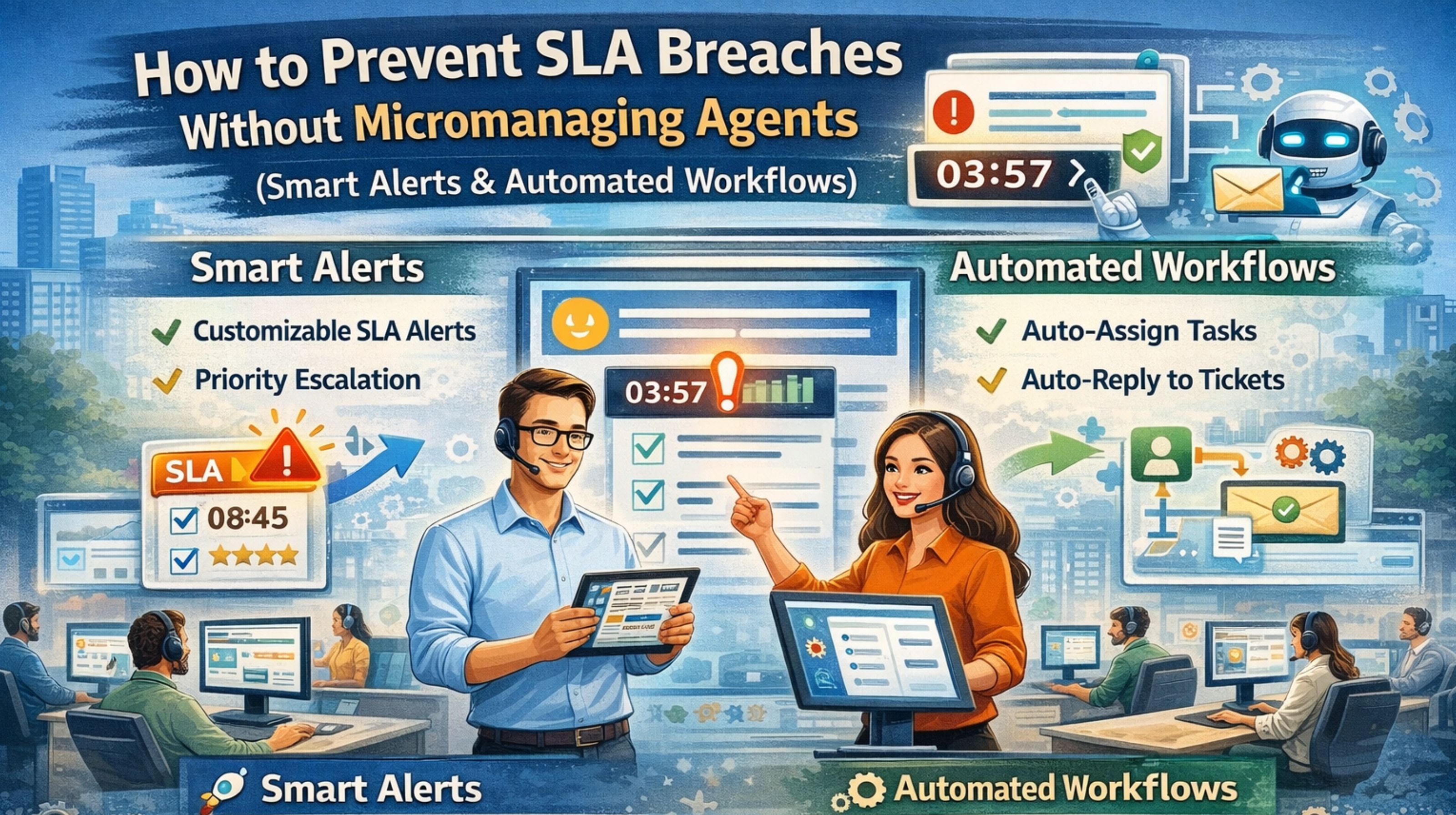
Smart Alerts and Automated Workflows to Stop SLA Breaches
When a fleet's service level agreements are at risk, the instinct is to micromanage agents. But honestly, the real failure is usually in the alerting system. A delayed geofence alert or a missed engine idle report isn't really an agent problem—it's a workflow signal that just never arrived. You end up chasing ghosts while the clock runs down on your compliance window.
What SLA Breach Signals Mean in Live Fleet Tracking
In practice, an SLA breach warning is rarely a single missed stop. It's more like a cascade of small data failures. You might see a driver marked "on-time" in the software, but then a customer complaint about a late arrival hits your inbox. That gap reveals a critical lag in your real-time vehicle tracking data stream. This jitter between the GPS timestamp and the platform update is exactly where breaches silently form.
The Reality of Managing Alerts at Vehicle Scale
Under real fleet load, basic "vehicle stopped" alerts just become noise. The real issue is context. An agent might get 50 alerts for scheduled breaks but completely miss the one for an unscheduled 45-minute stop at a non-job site, because the system can't tell the difference. This alert fatigue directly causes the oversight that triggers an SLA violation. Teams drown in data but starve for anything actually actionable.
Common Mistakes That Escalate to Full Breaches
The most damaging assumption? That more alerts equal better control. Operators often configure strict geofences for every customer site, not realizing that poor GPS drift in urban canyons causes false exits. That generates hundreds of low-priority notifications, flooding the workflow. The result is that the one critical alert for a truck deviating from a time-sensitive route gets buried. It's a classic failure in geofencing alert strategy.
Deciding Between Tuning Alerts or Redesigning Workflows
The decision line is pretty clear: if your team is constantly manually checking reports to cross-reference alerts, you need a workflow redesign, not just tuned thresholds. Those internal fixes stop working when your data—like fuel usage or fuel performance monitoring—lives in separate silos. At that point, you need integrated, automated workflows that can trigger a corrective action, like rerouting a backup asset, without waiting for human intervention. That's where a robust gps controller platform becomes essential.
FAQ
q What are smart alerts in fleet management?
a Smart alerts are conditional notifications based on multiple data points—like location, time, and sensor data—instead of a single trigger. They cut down on false alarms and highlight only the exceptions that actually risk your SLAs.
q How do automated workflows prevent micromanagement?
a They create predefined action chains. Think auto-assigning a new job if a vehicle is delayed. It lets supervisors manage by exception instead of constantly checking in, trusting the system to handle routine deviations.
q Can I prevent all SLA breaches with better alerts?
a No. Alerts are just a detection tool. Real prevention needs workflows that automatically correct issues, like dispatching a backup unit. That stops a potential breach before an agent even needs to react.
q When should I replace my current alert system?
a When alert fatigue is high and teams routinely miss critical notifications. Or when your system can't integrate data from other sources, like maintenance records, to make alerts smarter. That's when it's time for a platform that centralizes control.


Comments
Post a Comment