How to Adjust AI Dashcam Driver Fatigue Sensitivity Without Causing Alert Fatigue
How to Adjust AI Dashcam Driver Fatigue Sensitivity Without Causing Alert Fatigue
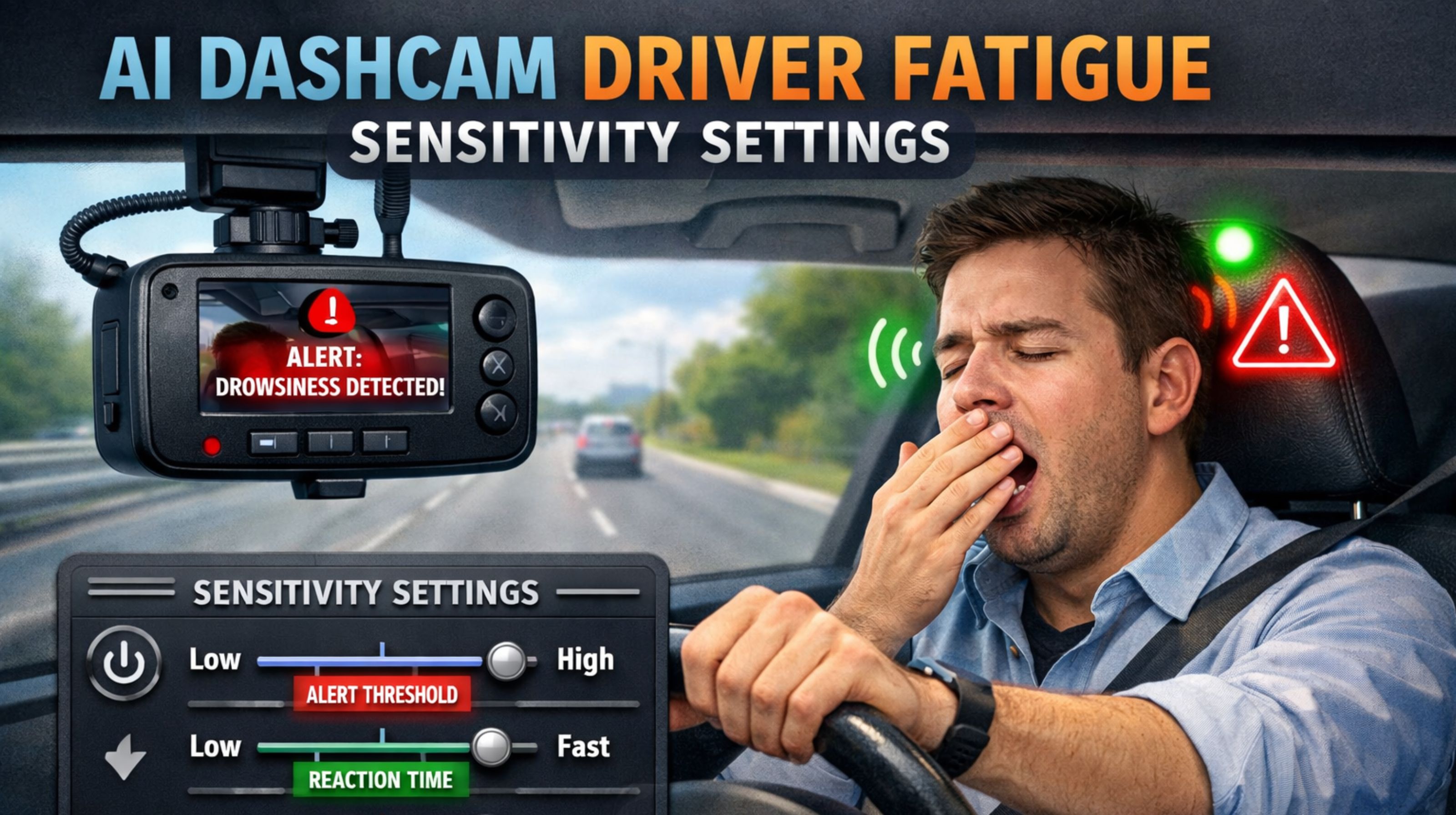
Getting the sensitivity right on these AI fatigue cams is one of those make-or-break calibrations. If you mess it up, you either miss a real event or you spam your drivers with false alarms until they just tune the whole system out. And then your safety program's credibility is shot.
What Driver Fatigue Sensitivity Really Means for Your Fleet
Look, in the shop, it's a slider in a software menu. On the road, it's something else. It's the line where the camera decides a yawn or a long blink is now a "risk event" that needs a beep. That setting dictates if the system is a nag or too passive. One thing we see constantly—lighting changes everything. A guy squinting into the sunrise gets flagged for "eye closure." But a real microsleep in a dark cab at 3 AM? The system might sleep right through it if the threshold's not right.
How Sensitivity Behaves on Real Routes and Vehicles
It doesn't behave the same everywhere, that's the first thing to understand. On a boring eight-hour interstate run, a setting that's just a bit too lax won't catch that slow, creeping fatigue. Flip it around: in the city with all the stop-and-go, that same high setting will scream at you every time the driver looks at a side mirror. Another headache is alert stacking. If a driver is already getting pinged for distraction or following too close, that extra fatigue chime just becomes background noise. They stop hearing it.
The Cost of Wrong Sensitivity Assumptions
The classic error is applying the same setting to every truck and van. Thinking what works for your daytime delivery vans will work for the overnight linehaul guys is a sure way to fail. It creates two problems: drivers start ignoring *all* the alerts, and managers stop looking at the reports because they're just full of junk data. The real danger zone is when drivers get so fed up they put a sticker over the lens or yank the power cord. Now you've got a safety device that's completely blind.
Finding the Right Balance for Your Operation
Start with the footage you already have. Go back and look at the flagged events from different runs and shifts. See if there's a pattern—like a bunch of alerts between 2 and 5 AM on the I-95 corridor, or always from the same driver after their lunch stop. Then tweak the sensitivity in small steps. Give it a week, see what happens, then tweak again. You'll probably find you need better custom reporting to slice the data by vehicle, shift, or driver. Honestly, to get this reliable, you often need a system that allows for more nuanced alert tuning and can tie into your main fleet management software for context.
FAQ
What is the most common cause of false fatigue alerts?
Usually it's sun glare—that low, harsh light that makes a driver squint. Sometimes it's certain sunglasses. The AI sees a closed eye. You can tweak the sensitivity for those problem times or routes.
Can sensitivity be set individually per driver?
On the more advanced systems, yes, and it's a good idea. People have different baselines. But it means the system has to know who's driving, every time, which usually needs a driver ID log-in or a link to your telematics. Then you have to manage those profiles.
How often should we review and adjust sensitivity settings?
Plan on a quarterly check. Also do it after any big change—new routes, new shift schedules, new truck types. And definitely check when the seasons change. The daylight difference alone can throw the AI off.
What's the first step if drivers are complaining about too many alerts?
Don't just dismiss it. Go watch the videos. If most of what you see are false alarms, then nudge the sensitivity threshold up a bit—make it less sensitive. Tell your drivers you're fixing it and why. You need to rebuild their trust in the tool. If you keep struggling to dial it in, a platform like gps controller is built for this kind of granular control to match the tech to actual driving.


Comments
Post a Comment