GPS Signal Drift During Route Audits Causes False Stops and Compliance Violations
GPS Signal Drift During Route Audits Causes False Stops and Compliance Violations
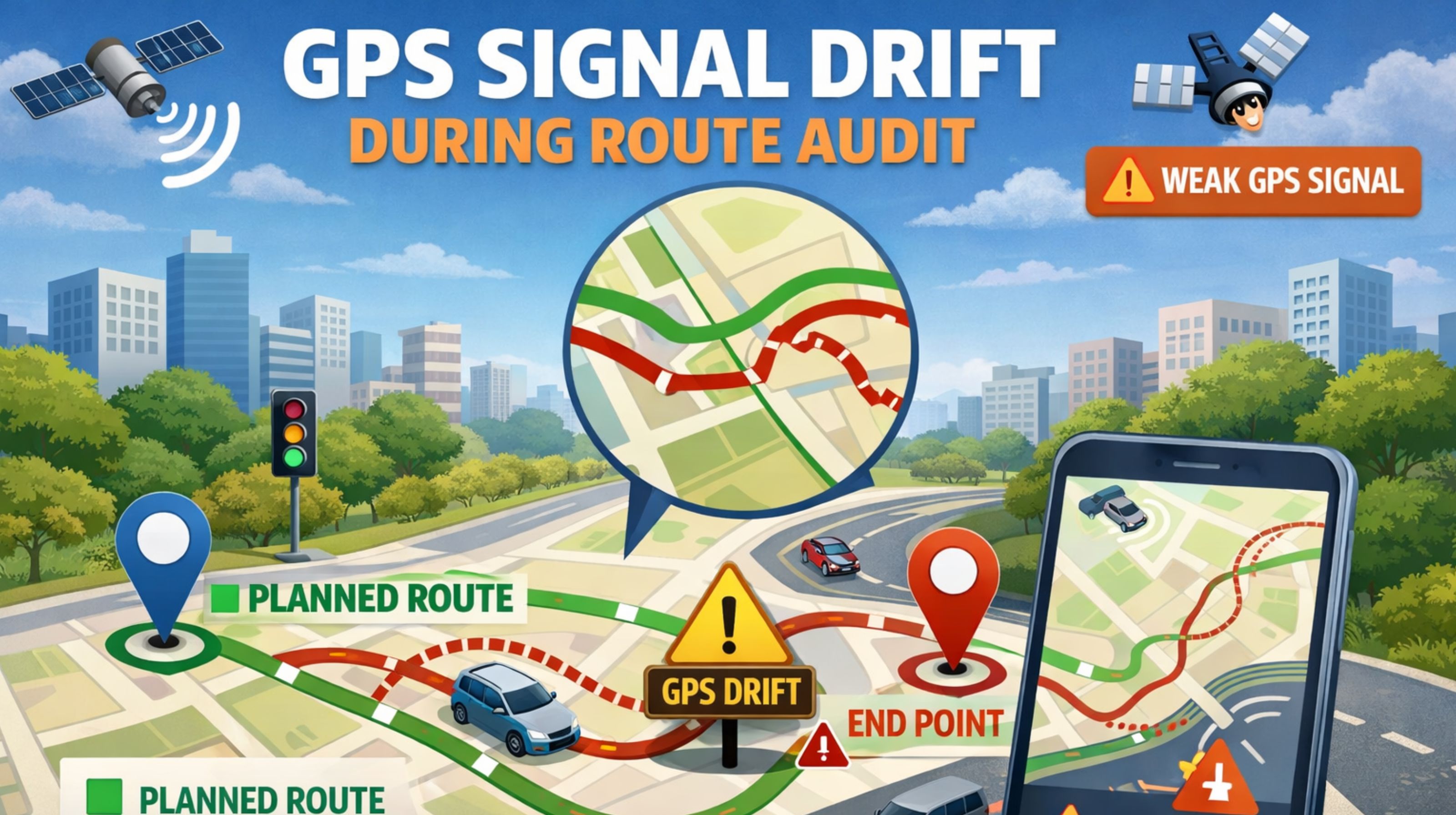
So your route audit is flagging weird stops or too much idle time. Most of the time, that's not on the driver—it's GPS signal drift. It creates these phantom location points that mess up your whole audit trail, which means false reports and a lot of wasted time trying to figure them out.
What GPS Signal Drift Means for Your Live Fleet Audit
In live tracking, signal drift is when you temporarily lose and then badly re-grab satellite data. It makes the vehicle's reported position "wander," sometimes hundreds of meters off the actual road. It's not a total blackout; it's this sneaky data error that looks like real movement or a stop. You've probably seen it—the map shows a truck stopped at an intersection, but it actually just drove right through. That's a classic drift artifact, especially in those urban canyon spots.
The Reality of Drift Under Real Fleet Scale and Load
When you're running dozens of vehicles at once, drift doesn't just cause one error—it starts a cascade. One vehicle drifting near a geofenced site can trigger false entry alerts. Another drifting off-route blows up your deviation reports. Your system's workload spikes dealing with all these false positives. And here's the non-obvious bit: cheaper GPS modules often don't support multiple satellite systems (like GPS, GLONASS, Galileo). That means they're slower and less accurate at re-locking after a brief signal loss, which makes the whole problem feel systemic.
Mistakes and Risks in Diagnosing Route Audit Drift
The biggest mistake is pointing the finger at the driver or blaming the fleet management software. Teams burn hours trying to match driver logs against stops that never happened, and that just kills trust. The real danger is compliance. An audit that shows unexplained stops in a restricted zone, or messes up hours-of-service logs because of "phantom idling"? That's a serious liability. Plus, all this signal noise can hide the real problems, like actual unauthorized stops, creating a major gap in security and accountability.
Decision Help: When to Tune, Reconfigure, or Replace Hardware
The line in the sand is your hardware's capability. Sure, you can tune report filters or increase the stop detection delay, but then you risk masking real stops. You can tweak reporting intervals, but that creates data gaps. If you're seeing drift-related glitches in over 5% of your daily trips across a mixed fleet, the issue is probably the GPS receivers themselves. At that point, you're looking at either replacing the oldest units piecemeal, or a strategic redesign of your device deployment for high-risk routes. That's the only way to get clean data. Just fiddling with software settings won't fix a fundamental hardware limit.
FAQ
q How can I tell if my route audit errors are from GPS drift?
a Look for really short "stops"—under a minute—that don't line up with a sensible spot like a traffic light. Or look for a trail that zig-zags on a perfectly straight road. If your gps controller platform has them, cross-check with cellular tower triangulation logs.
q Does bad weather cause the kind of drift that fails an audit?
a Not usually. Bad weather might cause minor inaccuracy, but not the hundred-meter jumps that create false stops. The drift that wrecks an audit almost always comes from physical signal blockage—think tunnels, dense cities, tall loading bays—coupled with a poor receiver struggling to get a lock again.
q Will upgrading our fleet software fix GPS drift in audits?
a No. The software can only filter or smooth the stream of GPS data points it receives. It can't correct the core positional inaccuracy generated by the hardware. Better software might give you better tools to diagnose it, but it still needs a clean signal from capable devices to work with.
q When is GPS drift a hardware replacement issue versus a settings issue?
a If the errors are only on specific vehicles with older hardware, or they always pop up in known geographic blackspots, that's a hardware limit. If it's random and happening fleet-wide, check your global device settings first. But if the problems keep coming back, it usually means your device fleet just isn't spec'd right for where you're operating.


Comments
Post a Comment