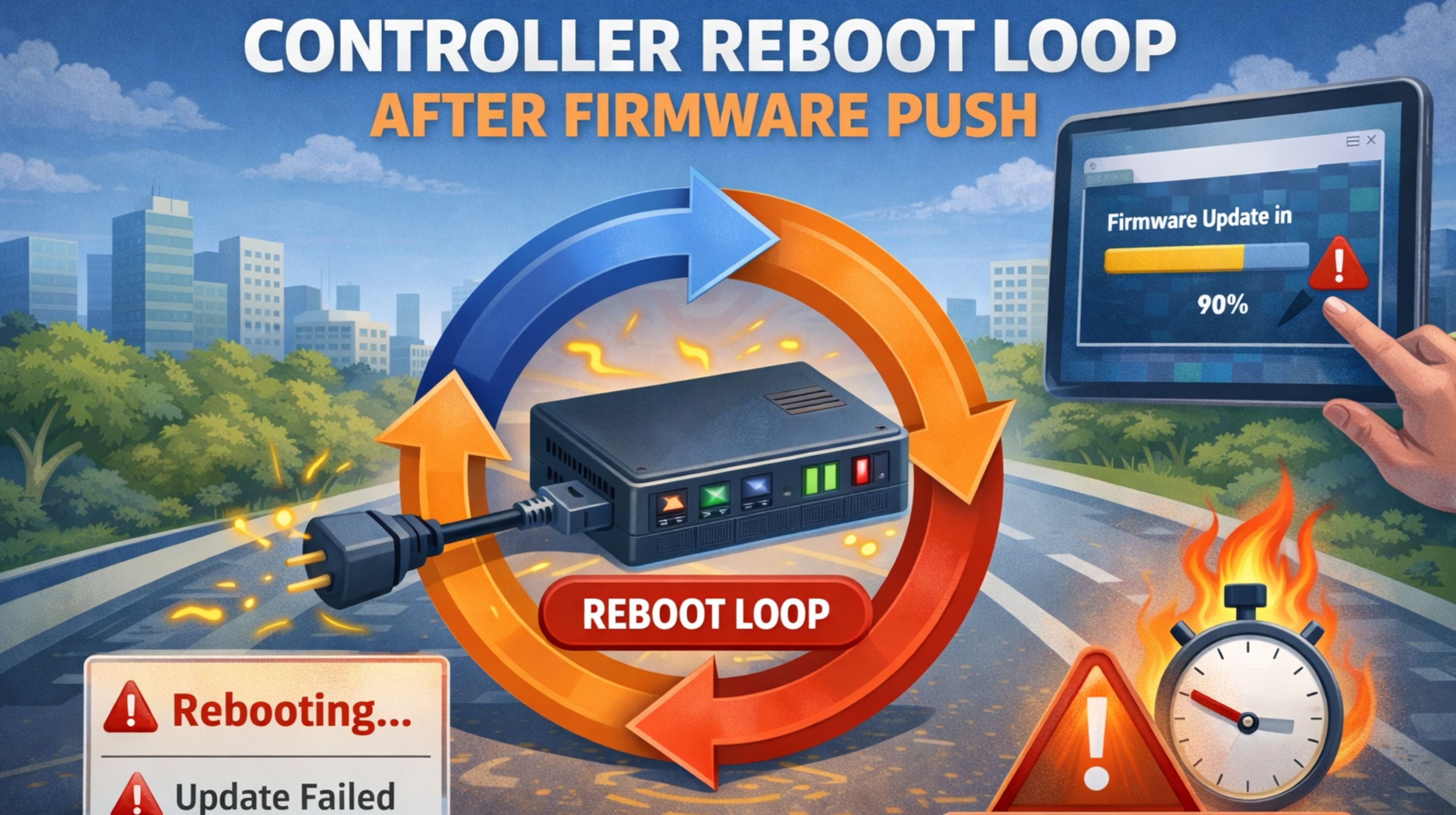
GPS Controller Reboot Loop After Firmware Push Stops Fleet Data
GPS Controller Reboot Loop After Firmware Push Stops Fleet Data
When a controller gets stuck rebooting after a firmware update, it's worse than just being offline. It creates a live data blackout for every vehicle it's supposed to be managing. Honestly, this isn't some minor glitch. It's a cascading failure where the device just can't stabilize its core functions, leaving you completely blind to location, ignition status, and driver behavior. The immediate risk? A silent compliance gap where hours of service or geofence entries just vanish from your fleet management software audit trail.
What a Reboot Loop Means for Live Fleet Tracking
So, a reboot loop means the controller powers up, tries to load the new firmware, fails some kind of integrity check, and then restarts—and it does this on a cycle, like every 60 to 90 seconds. What you'll actually see is vehicles flickering online and offline on your map. The real-world signal becomes these intermittent GPS pings, often from the same spot if the loop starts mid-trip, which can create false "idling" alerts. This jitter completely ruins real-time vehicle tracking, because the system can't hold a stable connection long enough to report speed or heading reliably.
The Reality Under Fleet Load and Scale
At a larger scale, a single controller in a reboot loop can actually hide bigger network problems. We've seen fleet managers mistake a cellular gateway timeout for a device failure, which means they apply the wrong fix. The tricky part no one thinks about is the device's IMEI lock with the carrier. If the firmware corrupts the modem's provisioning profile, every single reboot tries to re-register on the network. That eats up data and can even trigger throttling from the carrier for your whole batch of SIMs. It really delays diagnostics because you're busy troubleshooting the wrong layer of the problem.
Common Mistakes That Escalate the Failure
The most damaging assumption? Thinking a second, identical firmware push will fix the first one. That can actually brick the controller by overwriting the factory recovery partition. Another common misunderstanding is blaming "weak GPS signal," which leads to wasted time repositioning antennas while the actual problem is a corrupted bootloader. Things escalate when teams, under pressure, start manually power-cycling the vehicle's ignition over and over. That can drain the asset's battery and even corrupt fuel sensor calibration data stored in volatile memory.
Decision Help: Reconfigure, Redesign, or Replace
The line for internal fixes is usually the bootloader. If you can't interrupt the loop within three cycles to start a safe rollback—using a physical button or a wired connection—the controller hardware probably needs replacing. Your choice is to try a low-level reflash with manufacturer tools (which means pulling the unit out), or just replace it to get visibility back immediately. For fleets that depend on continuous data for geofencing alerts or compliance, the cost of downtime while debugging often exceeds the cost of the unit itself. This is exactly where having a direct line to your gps controller provider's technical support becomes critical, to get recovery images and bypass procedures they don't put in the public docs.
FAQ
q: Why does my GPS tracker keep restarting after an update?
a: It's usually because the new firmware image is corrupted or just incompatible with your specific hardware revision. The boot failure triggers an automatic, continuous restart cycle as it tries to correct itself.
q: Can a reboot loop damage the GPS controller hardware?
a: Yes, it can. Constant power cycling stresses the memory cells and the power regulation circuit, which can lead to premature hardware failure on top of the software issue.
q: How do I stop the reboot loop without removing the device?
a: If a hard reset button sequence doesn't work, you typically have to cut power completely for 10 minutes or more. Then, apply stable external power (not from the vehicle battery) to try a wired firmware recovery. The steps for that are usually in advanced FAQs or support bulletins.
q: When should I replace the controller instead of trying to fix it?
a: Replace it if the loop continues even after you've successfully flashed a recovery image. Also replace it if the failure hits a batch of your units, which points to a systemic firmware flaw that your current gps controller platform can't reliably patch.


Comments
Post a Comment