Why is my logistics API webhook slow, and what can I actually do?
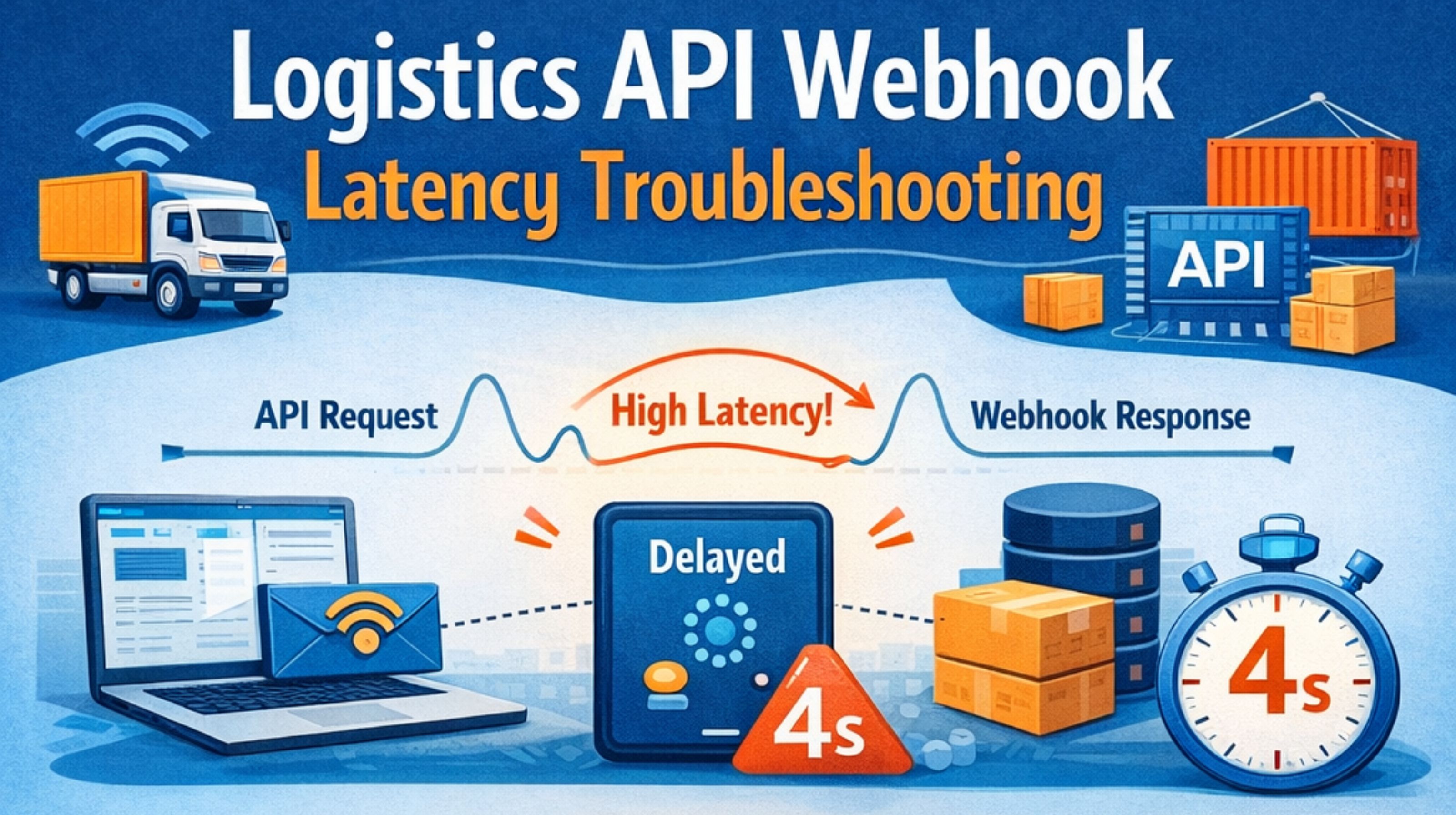
Why is my logistics API webhook slow, and what can I actually do?
When shipping updates get delayed, it's more than a glitch—it hits your operations and erodes customer trust. You're not after a textbook answer; you need to find where the lag is actually coming from.
What "webhook latency" really means in logistics
Practically speaking, it's the total time from a carrier scanning a package to when your system can finally use that data. It's not just about network speed. It's the whole chain: the carrier's own internal processing, their API gateway, and then how fast your endpoint can accept and acknowledge the payload.
The usual suspects when webhooks get slow
The bottleneck is rarely where you first assume. I've watched teams burn days tuning their own servers, only to discover the holdup was the carrier's batch processing or an internal event queue—which can tack on minutes before the webhook even gets sent. Those network hops between different cloud regions are another classic, hidden slowdown.
The mistake of blaming your endpoint first
There's a common trap here: thinking a slow response from your receiving code is the main problem. Sure, it matters, but a lot of logistics APIs use a fire-and-forget approach. They send it and only retry if you completely fail, not because you were a bit slow to reply. The bigger risk is not having visibility on the sender's side—if they don't log the exact moment they dispatch, you're basically troubleshooting blind.
When to dig deeper vs. when to accept the delay
You should definitely go after it if you're blowing SLAs or creating customer service headaches. But if the latency is consistent, say a few minutes, and your workflow can handle that, then chasing seconds might not be worth the engineering headache. The practical thing folks often miss is this balance between wanting perfect real-time data and maintaining stability, especially when the carrier's systems are slammed.
FAQ
How do I prove the latency is from the API provider?
Compare the timestamp inside the webhook payload itself against when your server got it. That difference is your total latency. If the payload's timestamp is already old, the delay happened before it was ever sent to you.
Will upgrading my server specs fix webhook latency?
Probably not. Unless your endpoint is actually timing out or throwing errors, more server power rarely makes a difference. The choke point is almost always somewhere else in the pipeline.
Can I request faster webhooks from my logistics provider?
Sometimes, yes. Higher-tier plans or dedicated integrations might get you into a lower-latency event stream, but that's usually a business conversation about cost versus benefit, not just a switch they can flip.
What's a reasonable latency expectation for logistics webhooks?
It really depends. For big carriers under normal conditions, 30 seconds to a couple of minutes is pretty standard. During peak seasons or system updates, though, seeing 5-10 minute delays isn't unusual, and there's often not much you can do about it.


Comments
Post a Comment